Video section
The Video section of Local plays a YouTube, Vimeo or Shopify video, with a separate mobile video, a poster image, autoplay and looping.
Applies to: Local 4.2.1 and later. Added in: Local 1.0.0. Last checked: 2026-10-13 against Local 4.2.1.
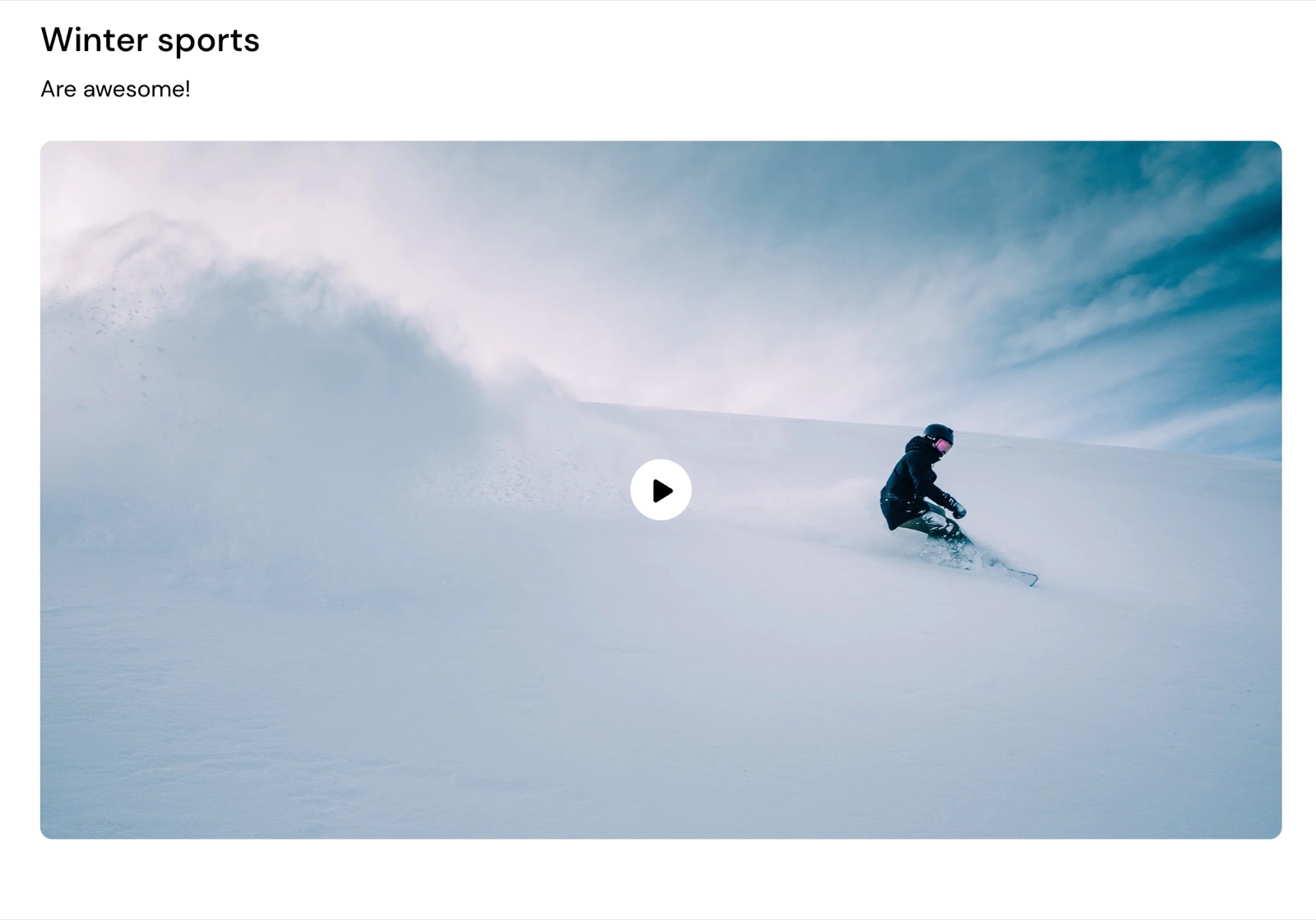
The Video section plays a video on the page: a YouTube or Vimeo link, or a video uploaded to Shopify. It shows a poster image with a play button, or plays by itself, muted, with autoplay. You can show a different video on phones.
Where to find it: Online Store → Themes → Customize → Add section → Video
Content
- Video URL is a YouTube or Vimeo link.
- Video file is a video uploaded to Shopify. It replaces the Video URL.
- Background image is the poster shown before the video plays, and the fallback when it cannot load.
Playback
- Enable video autoplay starts the video when the page loads. The video is then muted and has no controls.
- Enable video looping replays the video when it ends.
Mobile video
Use different media on mobile shows another video on phones: Mobile video (URL) or Mobile video file (which replaces the URL), with its own Mobile poster image and Mobile video aspect ratio (Natural by default, or a fixed shape from Wide 16:9 to Tallest 9:16). Use it for a vertical version of a wide video.
Design
Fullwidth (under Section design) stretches the video to the edges of the screen. The heading, SEO and visibility settings are the standard ones, see General section styling.
Why does my video not autoplay?
Because Enable video autoplay is off, or the browser blocks it. Turn on the setting: the video then plays muted, which most browsers allow. Some phones in low power or data saver mode never autoplay videos; the Background image shows instead, with a play button.
Can I show a video with sound?
Yes, with autoplay off. The customer clicks the play button and the video plays with sound and controls. With Enable video autoplay on, the video is always muted.
All Video settings
Every setting, with its type and default.
Video section: Heading
Where to find it: Video → Heading
The Video section uses the standard Heading settings, listed in General section styling. In this section the group has only Heading, Subheading and Text alignment.
Heading (text field, default: "Video").
Subheading (text field, default: "Video description").
Text alignment (dropdown, default: Left). Options: Left, Center.
These settings differ from the standard ones or exist only here:
Heading (text field, default: "Video").
Subheading (text field, default: "Video description").
Video section: Content
Where to find it: Video → Content
Video URL (video URL, default: https://www.youtube.com/watch?v=_9VUPq3SxOc).
Video file (video): Hosted by Shopify. Replaces video URL.
Background image (image): Shows before the video plays and when it cannot load, with a play button.
Enable video autoplay (checkbox, default: off): Starts the video when the page loads, muted and without controls. Some phones never autoplay; the image shows instead.
Enable video looping (checkbox, default: off).
Use different media on mobile (checkbox, default: off). Shown only when Video file is set, or Video URL is set.
Mobile video (URL) (video URL). Shown only when Use different media on mobile is on.
Mobile video file (video): Replaces mobile video URL. Shown only when Use different media on mobile is on.
Mobile poster image (image). Shown only when Use different media on mobile is on.
Mobile video aspect ratio (dropdown, default: Natural): Sets the shape of the mobile video. Natural keeps the video's own shape. Options: Natural, Wide (16:9), Short (4:3), Square (1:1), Tall (5:6), Taller (2:3), Tallest (9:16). Shown only when Use different media on mobile is on.
Video section: Section design
Where to find it: Video → Section design
The Video section uses the standard Section design settings, listed in General section styling.
Fullwidth (checkbox, default: off): Extend the background of this section to fill the screen.
Background color (color, default: transparent).
Background gradient (gradient).
Heading text color (color, default: transparent): Sets the color of the text outside the cards, mostly the section heading.
Descrease top margin (checkbox, default: off): Sets the space above the section to the grid gap of Theme settings → Layout → Horizontal space, instead of the full space between sections. Shown only when Remove top margin is off.
Remove top margin (checkbox, default: off): Removes the space above the section, so it touches the section before it. Shown only when Descrease top margin is off.
These settings differ from the standard ones or exist only here:
Fullwidth (checkbox, default: off): Extend the background of this section to fill the screen.
Video section: SEO
Where to find it: Video → SEO
The Video section uses the standard SEO settings, listed in General section styling.
Heading tag (dropdown, default: H2): Sets the HTML tag of the heading for search engines. It does not change how the heading looks. Options: H1, H2, H3, H4, span.
Video section: Visibility
Where to find it: Video → Visibility
The Video section uses the standard Visibility settings, listed in General section styling.
Section visibility (dropdown, default: Show always): Shows the section on every screen, only below 768 px (mobile) or only from 768 px (desktop, tablets included). A hidden section is still in the page. Options: Show always, Show only on mobile, Show only on desktop.
Related pages
Text columns with images
The Text columns with images section of Local shows images with a title, text and link in columns, as a grid or slider.
Product page
The Product page of Local: the gallery and media settings, variant selection, sticky add to cart, and the blocks that build the product information.