What do you want to do today?
Type it in your own words. Pages that match appear as you type; press Enter for an answer from the docs.
Guides and a settings reference for every Krown Shopify theme, written against the version on the Shopify Theme Store. Every setting is named exactly as the theme editor shows it, with its editor path, so you can search for the label you see on screen.
Pick your theme
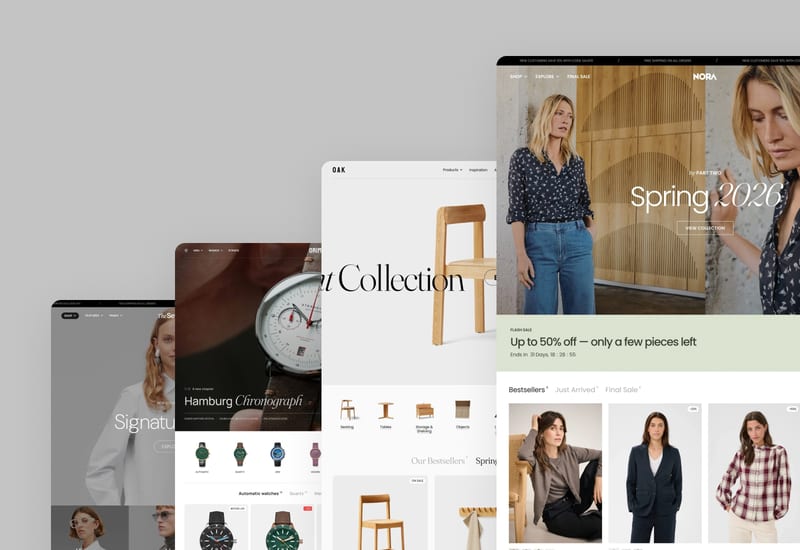
Seventh
For fashion and luxury brands: a card-based layout system that goes from classic product grids to asymmetric editorial pages.
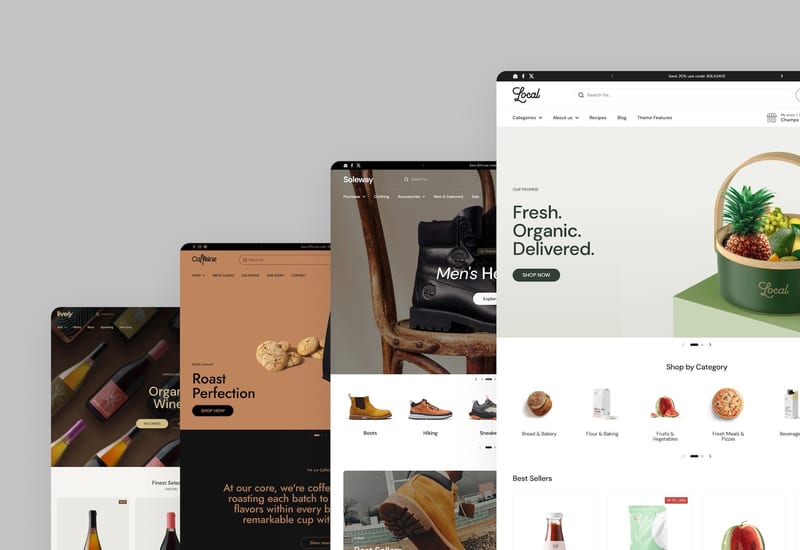
Local
For food, drink and local retail: store pickup, a store selector, store maps and events for shops with physical locations.
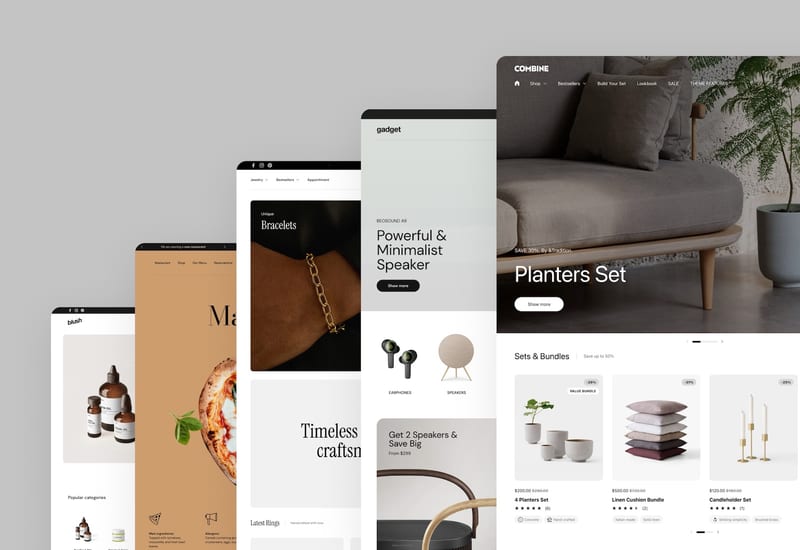
Combine
Built to sell more per order, with bundles, kits, product sets and upsells built into the theme.
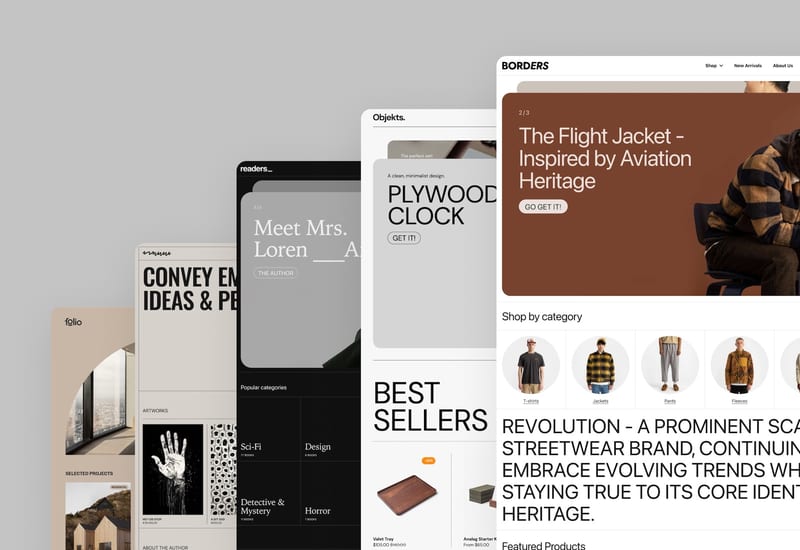
Borders
A visible grid of borders frames every section, for design-led brands, bookstores and modern retail.
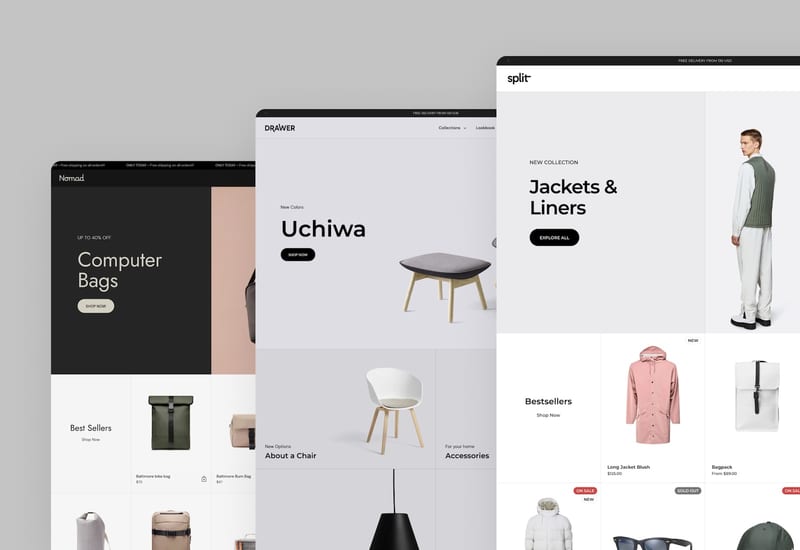
Split
A balanced split-screen layout, with a product or story on each half, for launches, campaigns and seasonal drops.
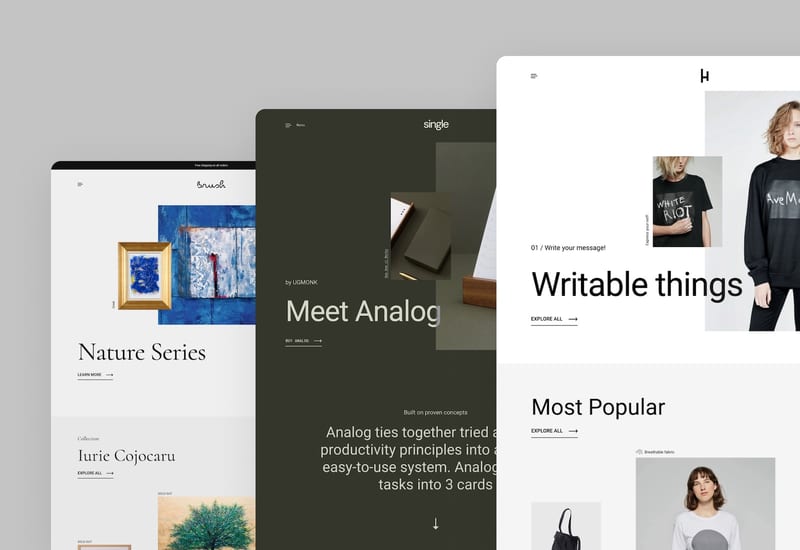
Highlight
Asymmetrical layouts and a vertical slideshow, for single-product stores, startups and standout brands.
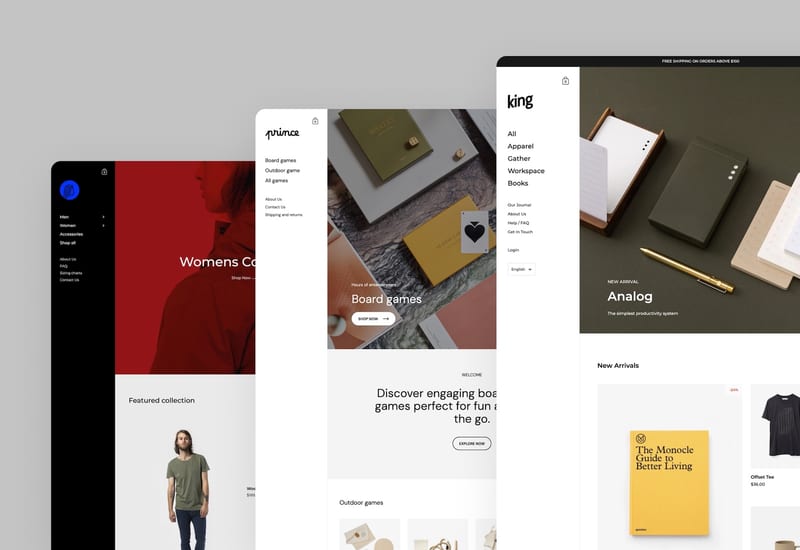
Kingdom
Image-focused, with a signature sidebar: the logo, menus, search and cart sit in a column on the left of every page.
Shopify basics
Shopify topics shared by every Krown theme: updating, products and metafields, apps, speed, SEO, cookies, support and code.
Can't find an answer? Contact Krown support. Looking for a new theme? See the premium themes by Krown Themes.