Newsletter form block
The Newsletter form block in Seventh adds an email signup field. Subscribers are saved as customers in Shopify admin.
Applies to: Seventh 4.0.0 and later. Added in: Seventh 1.0.0. Last checked: 2026-10-12 against Seventh 4.0.0.
The Newsletter form block shows an email field with a send button, so customers can subscribe to your marketing emails.
Where to find it: select Add block inside a section or card in the theme editor, then choose Newsletter form. The Newsletter section and the Newsletter card of the Popovers section already contain one.
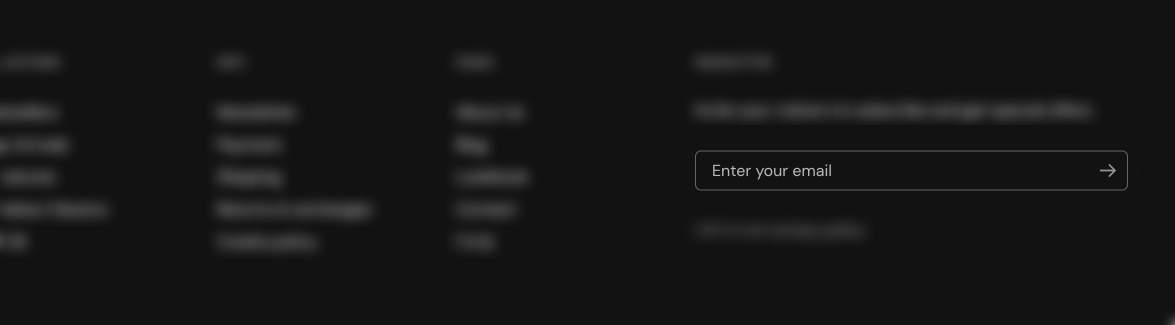
Styling the form
The block has no style settings of its own.
- The field and button take their look from Buttons & forms theme settings and from the color scheme of the card that holds the block.
- Add a Heading or Text block next to it for the title and the offer.
Common use cases
- Newsletter sections.
- Footer signup areas.
Tips for success
- Keep the value proposition short.
- Use a clear call to action.
Note: Subscriber emails are stored in Shopify’s customer list.
Where do newsletter signups go?
To your Shopify customer list, in Shopify admin → Customers. Shopify controls the subscriber list, not Seventh. Each signup becomes a customer with the tag "newsletter" who agreed to receive marketing emails. Email apps such as Shopify Messaging or Klaviyo read the subscribers from there.
What does the customer see after subscribing?
The message "Thanks for subscribing!" in place of the form. A signed-in customer finds their email address filled in already.
How do I change the placeholder or the confirmation text?
Both come from the theme's language file, not from block settings: "Enter your email" and "Thanks for subscribing!". Open Shopify admin → Online Store → Themes → … → Edit default theme content and search for "newsletter". See Troubleshoot speed, SEO and translations for how theme texts are translated.
All Newsletter form settings
Every setting in this group, with its type and default.
The Newsletter form block has no settings of its own in Seventh 4.0.0.
Related pages
- Newsletter section: a Custom grid preset with a newsletter signup.
- Popovers section: shows a newsletter signup as a popover.