Heading block
The Heading block in Seventh adds a title with its own font, size, weight, HTML tag and accent font for italic words.
Applies to: Seventh 4.0.0 and later. Added in: Seventh 1.0.0. Last checked: 2026-10-12 against Seventh 4.0.0.
The Heading block shows a title in a section or card, with its own font, size, weight, color and HTML tag.
Where to find it: select Add block inside a section or card in the theme editor, then choose Heading.
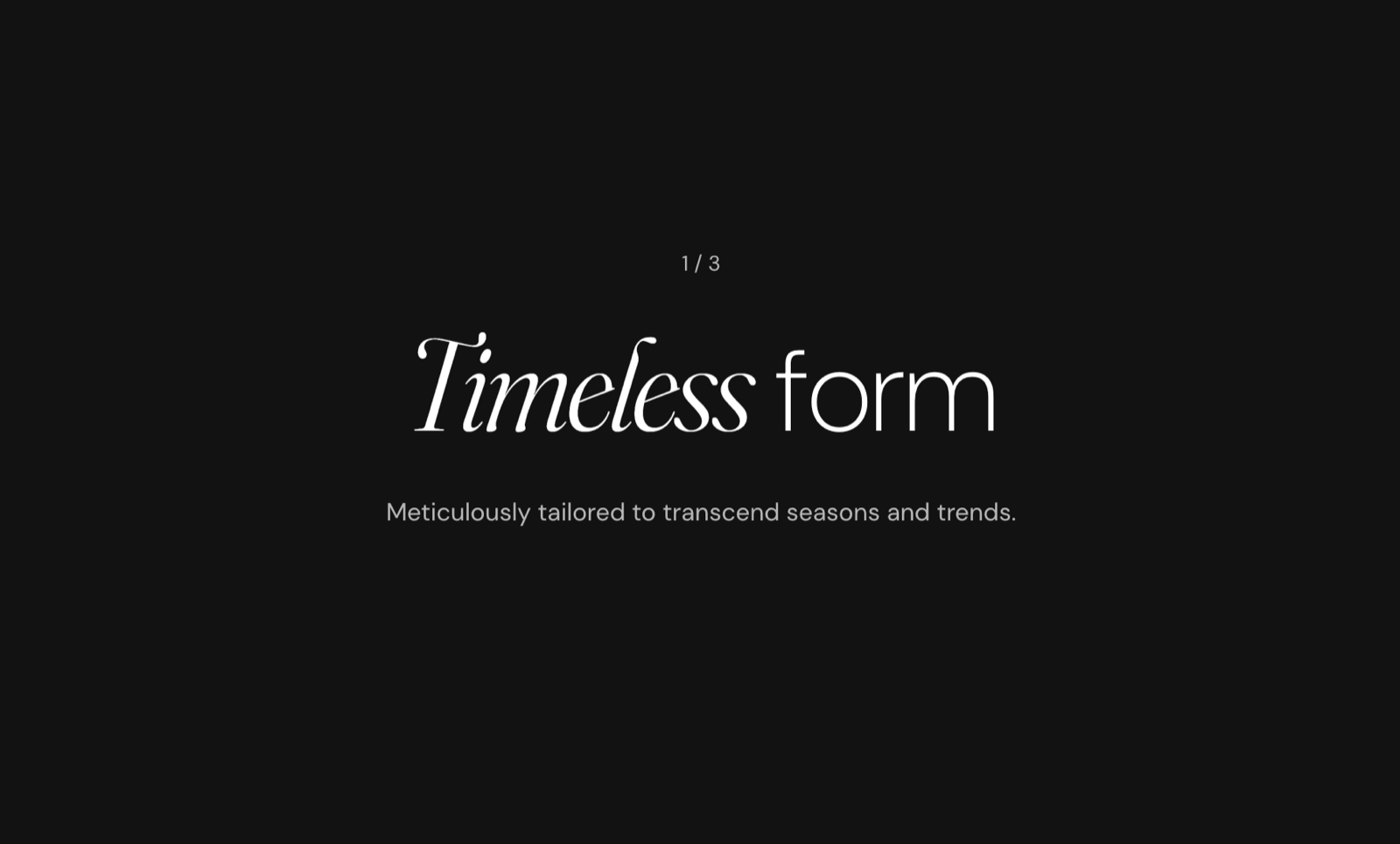
Writing the heading
- Type the text in Content. It supports bold, italic and links.
- Type
[br]where a new line should start, for exampleNew season[br]New colors.
Using the accent font for some words
Set Font to Headings, turn on Apply accent font to italic words, then make those words italic in Content. The italic words then use the accent font from Typography theme settings. This is how the Seventh presets mix two fonts in one title.
Heading level and SEO
HTML tag sets the level that search engines read: Heading 1 to Heading 4, or Paragraph. Use Heading 1 only once per page, for the main title, and keep the order (h1, then h2, then h3).
The HTML tag affects SEO and document structure. Use h1 for main page titles, h2 for major sections, and so on. The visual appearance is controlled by the Text Size setting.
Common use cases
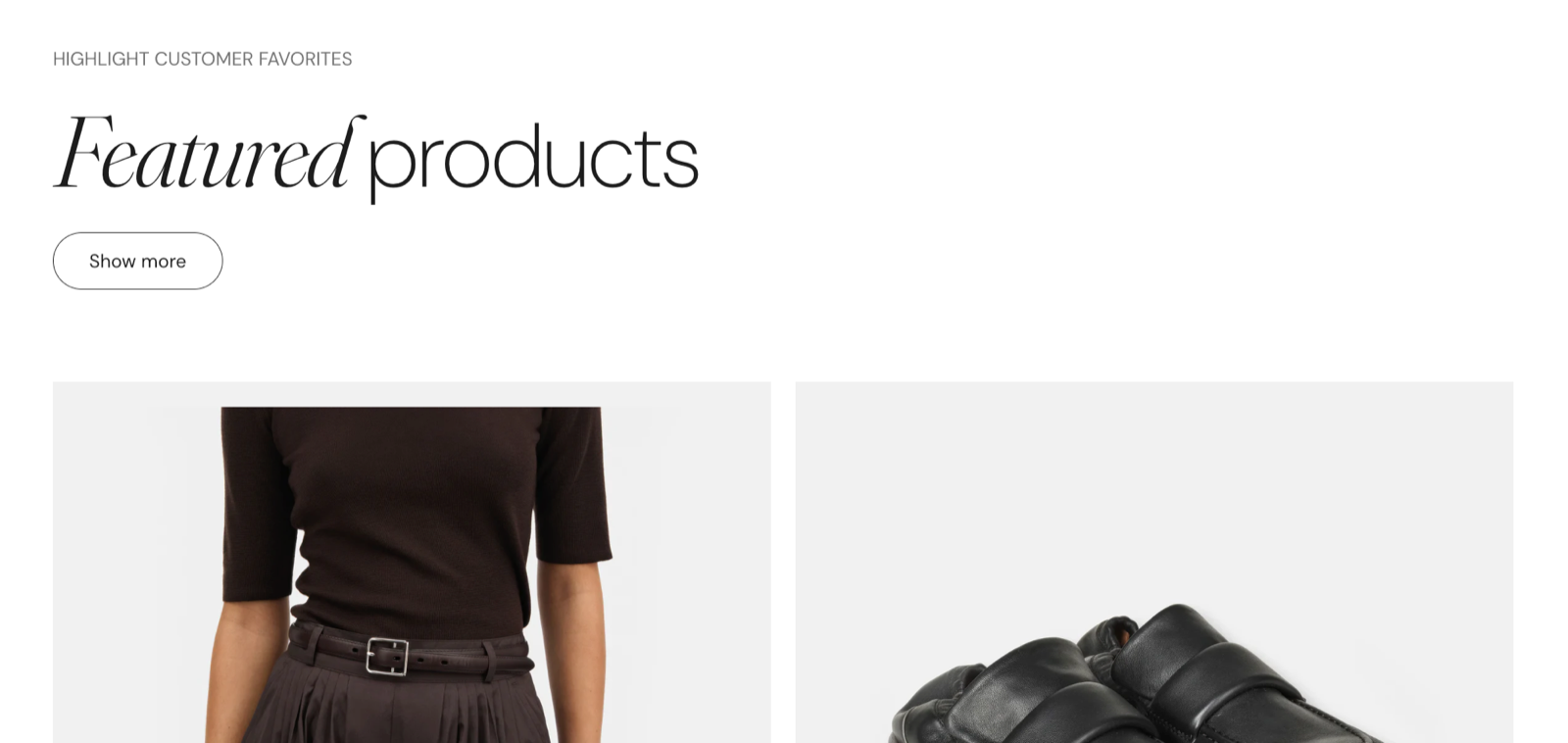
Section titles
Use a Heading 2 to Heading 4 size, bold weight if you want emphasis, and the HTML tag h2 or h3.
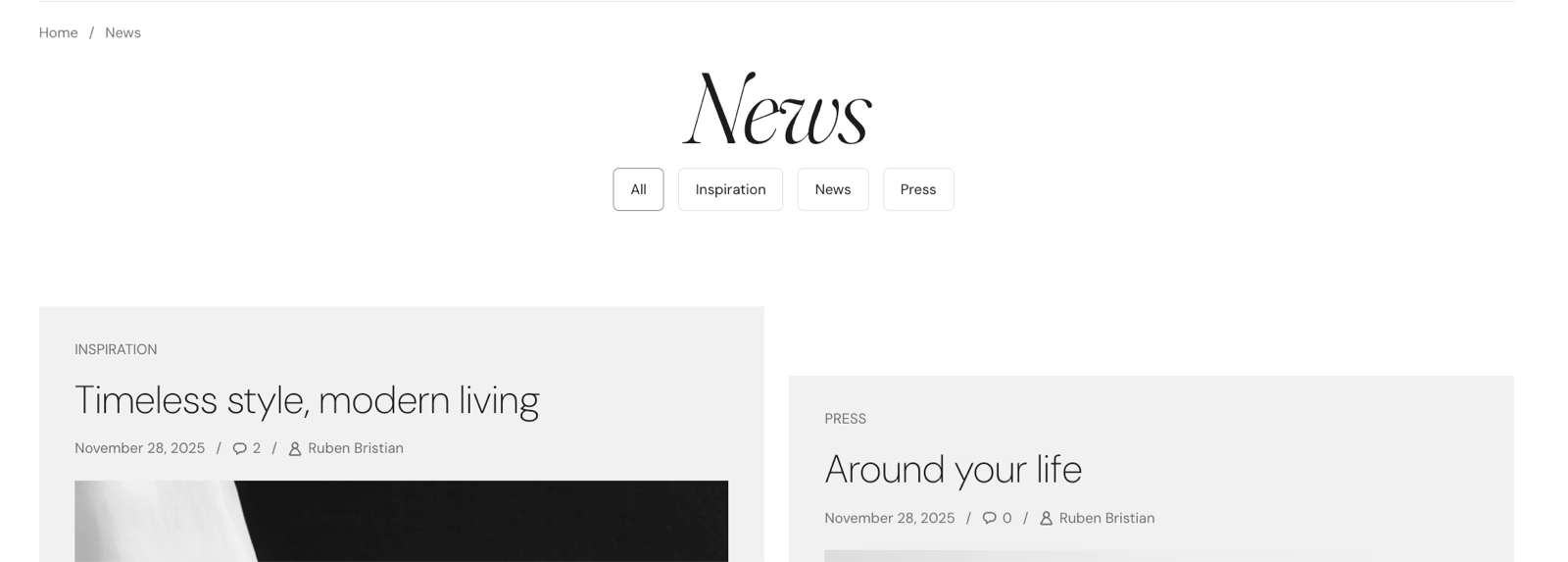
Page headings
Use a Heading 1 or Heading 2 size and the HTML tag h1.
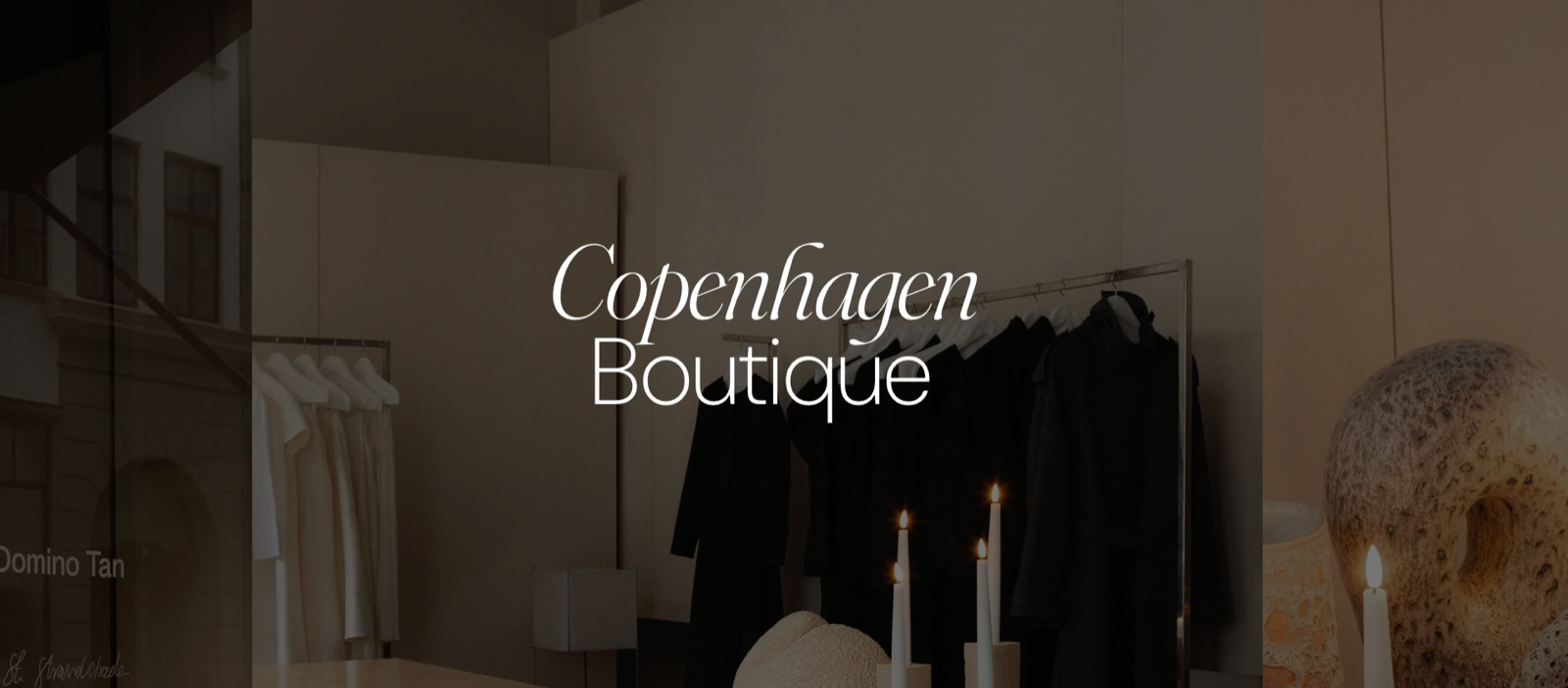
Subheadings
Use a Heading 4 or Heading 5 size. Turn on Reduced text opacity for a subtler look.
Styled headings
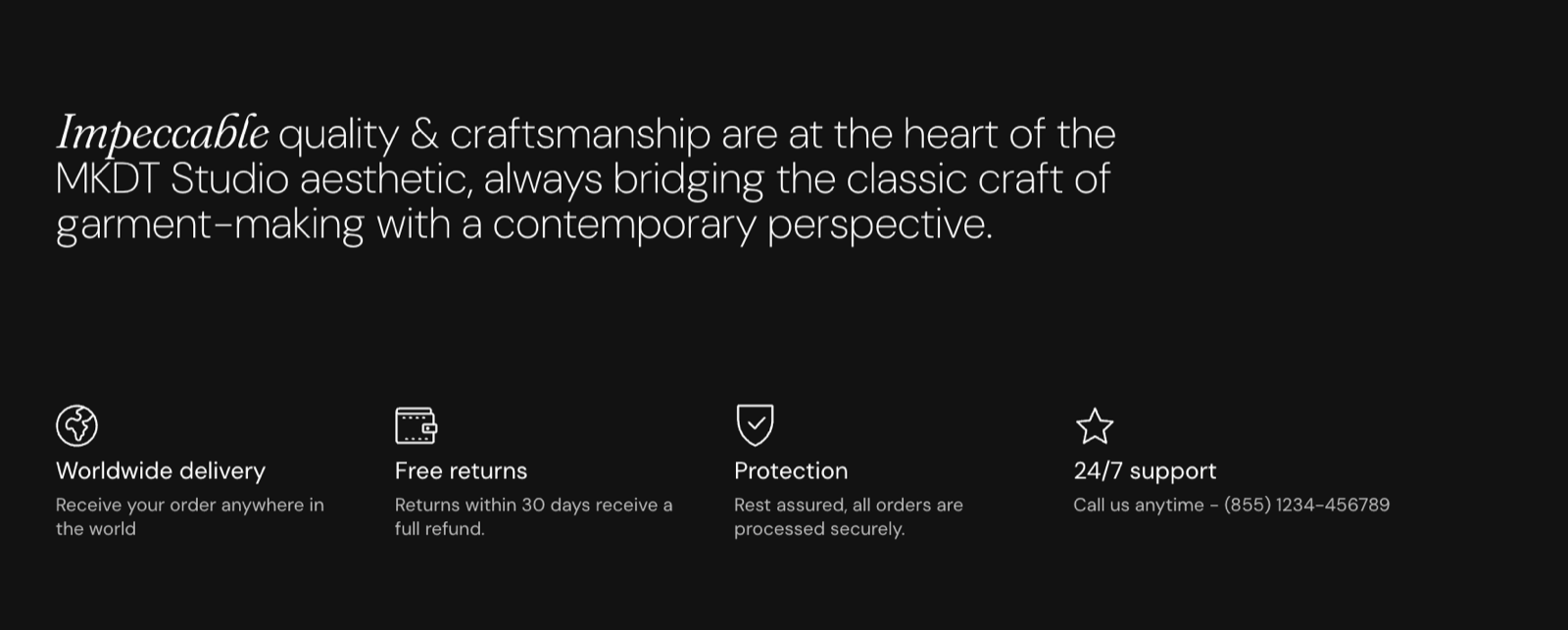
Combine the accent font on italic words with a custom color or uppercase Case.
Tips for success
- Use larger sizes for more important headings, and the same style for headings at the same level.
- With large text, adjust Line height for readability.
Does Text size change the HTML heading level?
No. Text size sets only how big the heading looks, and HTML tag sets the level. The two are independent, so a small title can still be an H2.
Why is my custom heading color not showing?
Because Custom text color is fully transparent, which is its default. A transparent color means "use the color scheme". Pick a color and raise its opacity above 0.
Why do italic words not use the accent font?
Because Apply accent font to italic words is off, or Font is not Headings. The setting is shown and used only when Font is Headings.
All Heading settings
Every setting in this group, with its type and default.
Content (formatted text, default: "Heading"): Sets the heading text. Supports bold, italic and links. Type [br] to start a new line.
Heading block: Typography
Where to find it: Heading → Typography
Font (dropdown, default: Headings): Sets which theme font the heading uses. The fonts are chosen in Theme settings → Typography. Options: Body, Headings, Accent.
Text size (dropdown, default: Heading 3). Options: Heading 1, Heading 2, Heading 3, Heading 4, Heading 5, Heading 6. Shown only when Font is not Body.
Text size (dropdown, default: Medium). Options: XXSmall, XSmall, Small, Medium, Large, XLarge, XXLarge. Shown only when Font is Body.
Line height (dropdown, default: Default). Options: Default, Smallest, Smaller, Larger, Largest.
Apply accent font to italic words (checkbox, default: off): Shows the italic words of the heading in the accent font. Shown only when Font is Headings.
Case (dropdown, default: Default). Options: Default, Uppercase.
Text weight (dropdown, default: Normal). Options: Normal, Bold.
Reduced text opacity (checkbox, default: off): Shows the text at 62 percent opacity (69 percent on dark color schemes), for secondary text such as captions or notes.
Custom text color (color, default: transparent): Sets a text color that replaces the color scheme text color. Leave it transparent to use the color scheme.
Heading block: SEO
Where to find it: Heading → SEO
HTML tag (dropdown, default: Heading 3): Sets the HTML heading level for search engines. It does not change the size; Text size does. Options: Heading 1, Heading 2, Heading 3, Heading 4, Paragraph.
Heading block: Dynamic content
Where to find it: Heading → Dynamic content
Hide block if dynamic content is not present (checkbox, default: off): Hides the block when Content is connected to a dynamic source, for example a metafield, that is empty.
Related pages
- Typography theme settings: the heading, body and accent fonts and the heading sizes.
- Text block: paragraphs and lists under a heading.
- Caption block: a short label above a heading.