Menu block
The Menu block in Seventh shows the links of one of your Shopify menus as a list, for footers and side columns.
Applies to: Seventh 4.0.0 and later. Added in: Seventh 1.0.0. Last checked: 2026-10-12 against Seventh 4.0.0.
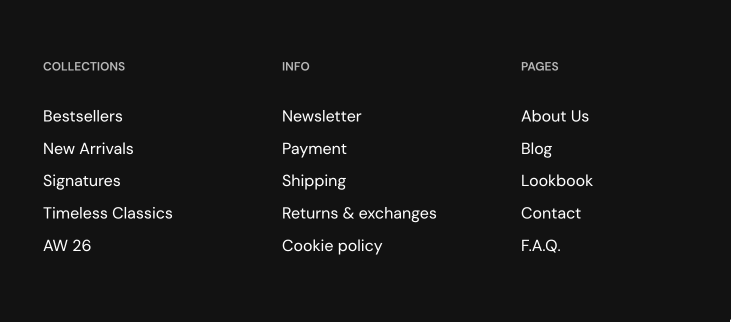
The Menu block shows the links of a Shopify menu as a vertical list, for example a list of policies or pages in the footer.
Where to find it: select Add block inside a section or card in the theme editor, then choose Menu.
Choosing the menu
The links come from a menu in Shopify admin → Content → Menus.
- Select it in Menu. The block shows the main menu until you choose another one.
- To change the links, edit the menu in Shopify admin. The block updates everywhere that menu is used.
Common use cases
- Footer navigation.
- Link lists in cards.
Tips for success
- Keep menus short.
- Use clear link labels.
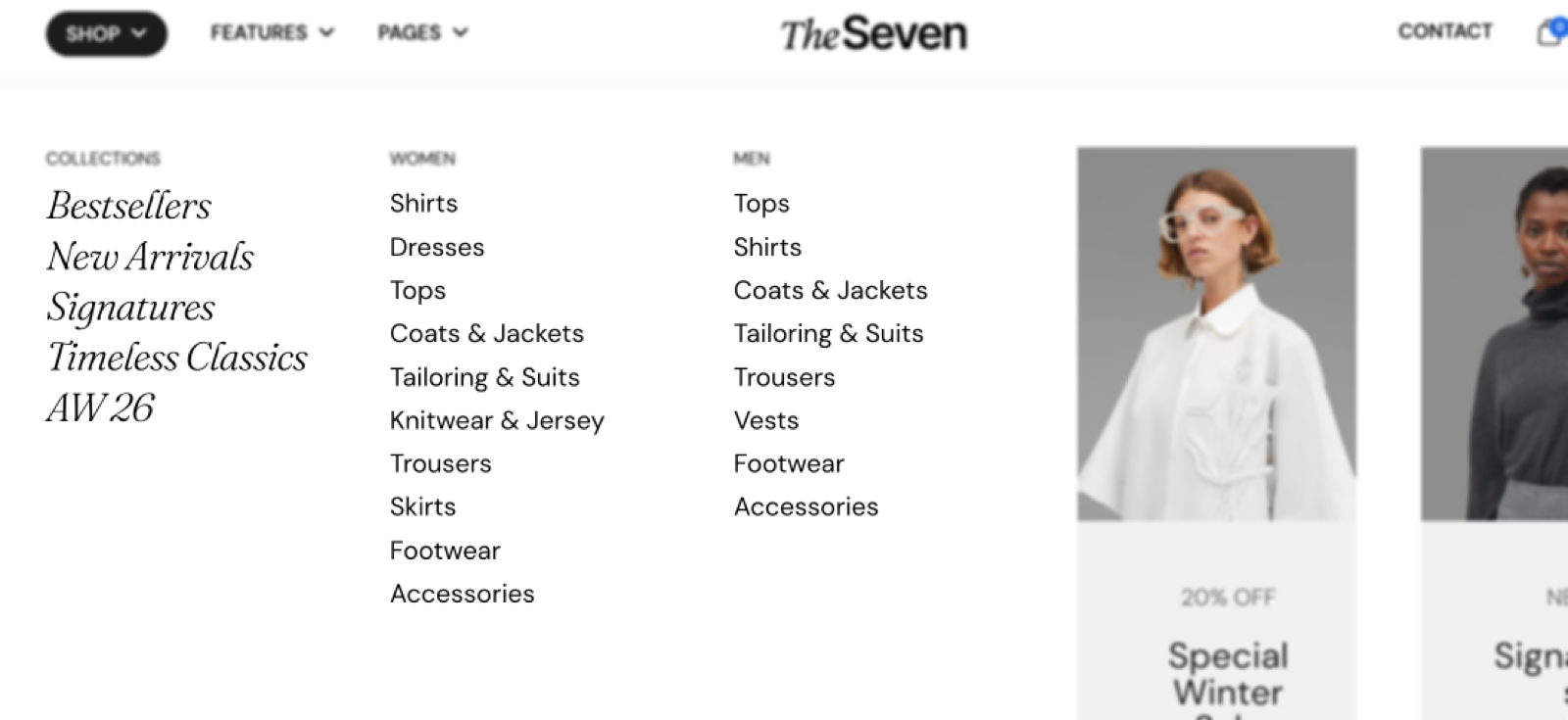
The menu block will only show top level links, so any submenus (children) will be hidden.
How do I show a second level of links?
Select a separate menu that contains those links in another Menu block. Or use the Header section menus, which support dropdowns and mega menus.
All Menu settings
Every setting in this group, with its type and default.
Menu (menu picker, default: the main-menu menu): Selects the Shopify menu whose top-level links the block shows. Submenus are not shown.
Menu block: Typography
Where to find it: Menu → Typography
Text size (dropdown, default: Medium). Options: XXSmall, XSmall, Small, Medium, Large, XLarge.
Line height (dropdown, default: Small). Options: Default, Smallest, Smaller, Small, Larger, Largest.
Text weight (dropdown, default: Normal). Options: Normal, Bold.
Case (dropdown, default: Default). Options: Default, Uppercase.
Reduced text opacity (checkbox, default: off): Shows the links with reduced opacity.
Custom text color (color, default: transparent): Sets a link color that replaces the color scheme text color. Leave it transparent to use the color scheme.
Related pages
- Header menus and mega menus: menus with dropdowns in the Header section.
- Footer group: where Menu blocks are most often used.
- Links card: a menu shown over an image.