Testimonial author block
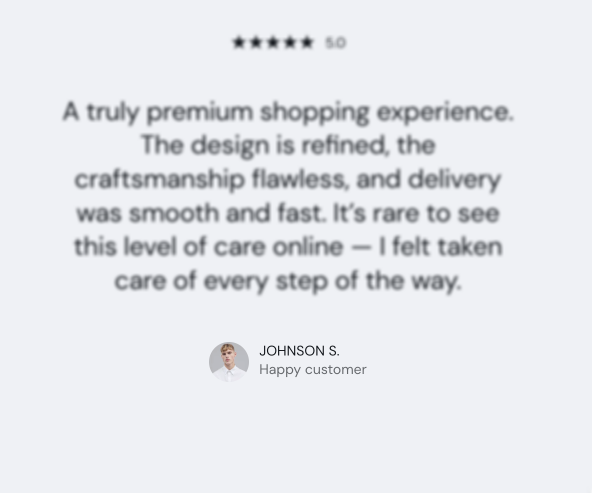
The Testimonial author block in Seventh shows the name, title and photo of the person quoted in a testimonial card.
Applies to: Seventh 4.0.0 and later. Added in: Seventh 1.0.0. Last checked: 2026-10-12 against Seventh 4.0.0.
The Testimonial author block shows who wrote a testimonial: a name, a subtitle such as a company or a city, and an optional round photo.
Where to find it: select Add block inside a section or card in the theme editor, then choose Testimonial author. The Testimonial card preset already contains one.
Common use cases
- Testimonials.
- Quotes or endorsements.
Tips for success
- Use real names, for trust.
- Keep subtitles short. They show with reduced opacity under the name.
- Pair the block with a quote or a star rating.
What image should I use for the author avatar?
A square photo of at least 120 x 120 px. Seventh crops the Author avatar to a square and shows it small and round next to the name. Leave it empty to show only the name and subtitle.
All Testimonial author settings
Every setting in this group, with its type and default.
Author title (text field, default: "Customer name"): Sets the name of the person who wrote the testimonial.
Author subtitle (text field, default: "Company"): Sets the line under the name, for example a company, a role or a city.
Author avatar (image): Shows a small round photo next to the name. Use a square image of at least 120 x 120 px.
Related pages
- Testimonial card: the card that combines a rating, a quote and this block.
- Testimonials section: a Custom grid preset made of testimonial cards.
- Star rating block: the stars above a testimonial.