Link cards section
The Link cards section in Seventh is a Custom grid preset of Links cards: large text links with an image that appears on hover.
Applies to: Seventh 4.0.0 and later. Added in: Seventh 1.0.0. Last checked: 2026-10-12 against Seventh 4.0.0.
The Link cards section shows cards that each list the links of a Shopify menu under a heading, for example the subcategories of a collection. It is a preset of the Custom grid section with two Links cards.
Where to find it: select Add section in the theme editor, then choose Link cards in the Promotions category.
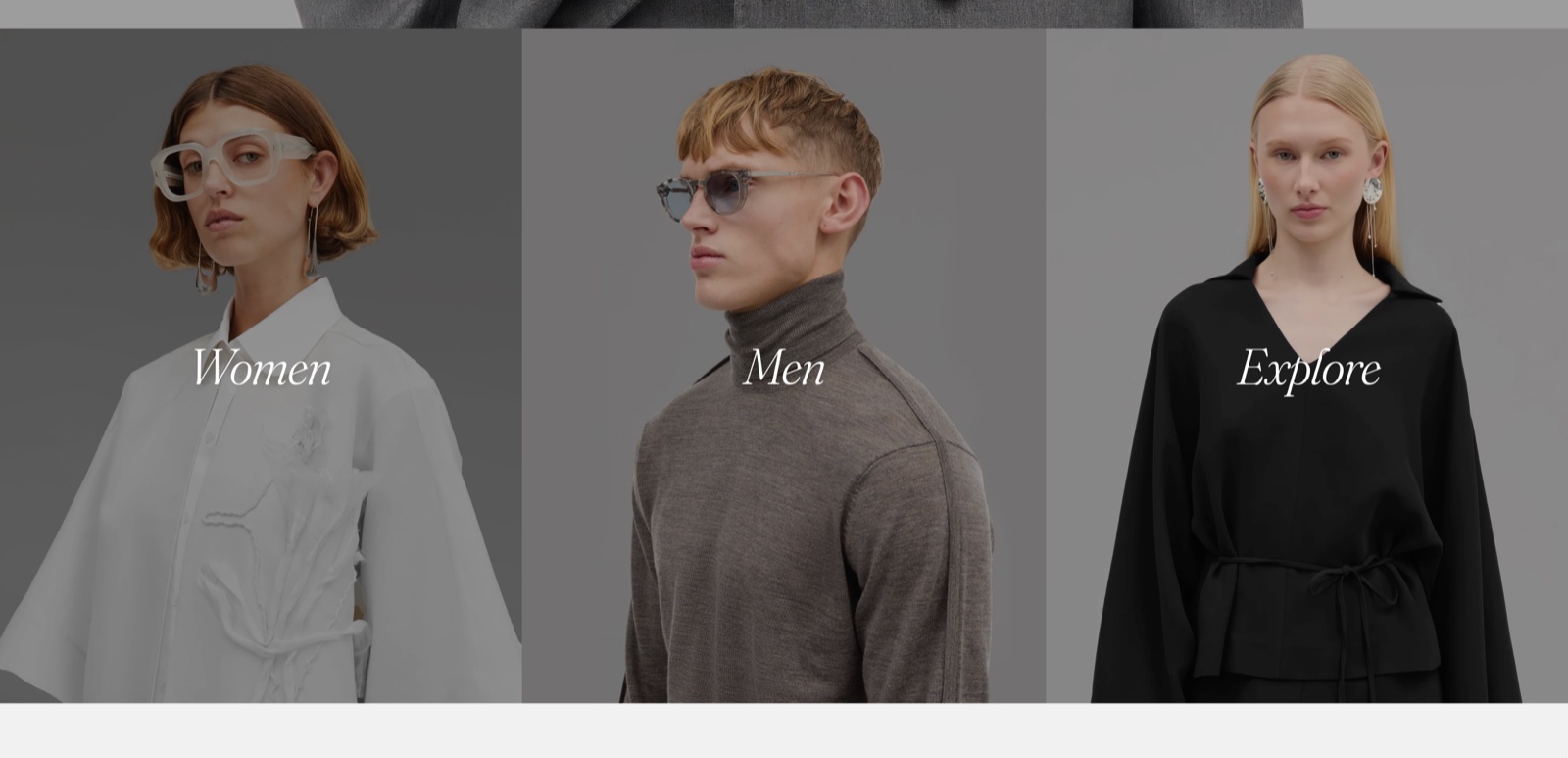
What the section shows
The preset adds a section header and 2 Links cards side by side (Cards size Large, 2 per row on mobile). Each Links card shows:
- A heading, set in Heading (placeholder "Menu title").
- The links of the menu chosen in Menu. Each menu item becomes one link. Submenus are not shown.
- An optional background image or video.
The Link cards section is not the same as the Links list section, which shows large text links with images that follow the cursor.
Settings
The Link cards section has no settings of its own. After you add it, it is a Custom grid section:
- See Custom grid section for the layout settings.
- See Links card for the heading, menu, typography and background settings of each card.
Tip: Read about general section styling here: Seventh section general styles.
Show collection subcategories as link cards
Create the menu
Open Shopify admin → Content → Menus and create a menu with one item per subcategory, for example "Dresses", "Tops" and "Skirts".
Add the section
In the theme editor, select Add section, then choose Link cards.
Connect the menu
Select a Links card, set Heading, then choose the menu in Menu.
To add a third card, select Add block inside the section and choose Links card.
Tips for success
- Keep menu lists short, so the cards stay balanced and readable.
- Use consistent images and spacing across the cards.
Why does my Links card show only the heading?
Menu is empty or the chosen menu has no items. Choose a menu with items in the card settings. A Links card shows only the top level of the menu, so a menu whose links are all nested under one parent item shows a single link.
Related pages
- Custom grid section: the section that holds the settings of this preset.
- Links card: the card this preset uses.
- Links list section: a different section with large links.
- Menu block: a list of menu links inside any card.