Star rating block
The Star rating block of Local shows 0 to 5 stars with a caption and star color, for social proof inside Flex sections.
Applies to: Local 4.2.1 and later. Added in: Local 3.1.0. Last checked: 2026-10-13 against Local 4.2.1.
The Star rating block shows a row of five stars with a caption, for example "4.9 (589 reviews)" on a hero slide. The rating is a number you type, not live data from a reviews app. It is a theme block.
Where to find it: Online Store → Themes → Customize → select a Flex section card, slide or column → Add block → Star rating
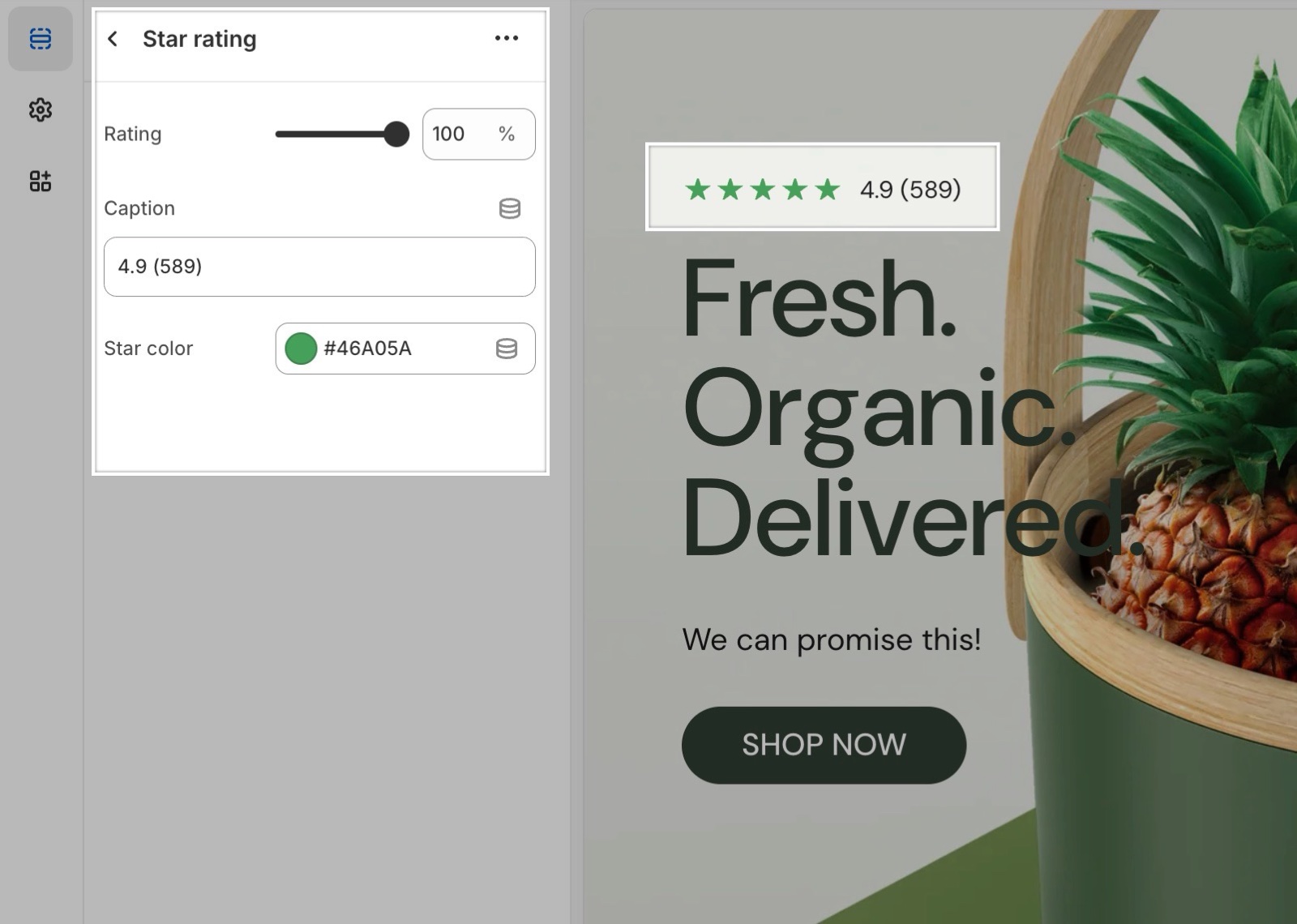
Rating, caption and color
- Rating sets how many of the five stars are filled, from 0 to 100 percent in steps of 10. Each star is 20 percent: 80 percent is four stars, 90 percent four and a half.
- Caption is the text next to the stars, for example "100+ five star reviews".
- Star color sets the color of the stars (yellow by default). Empty stars show the same color as an outline.
Can the Star rating block show my real reviews?
No. The block shows the rating you set by hand. Product ratings from your reviews app show in product cards through the Rating block of product grids, see Product grid blocks, and on the product page through the Product rating block.
All Star rating block settings
Every setting, with its type and default.
Rating (slider 0 to 100 %, step 10, default: 80 %): Sets how many of the five stars are filled; each star is 20 percent. The rating is typed, not read from an app.
Caption (text field).
Star color (color, default: #FFCC00).