Collection description section
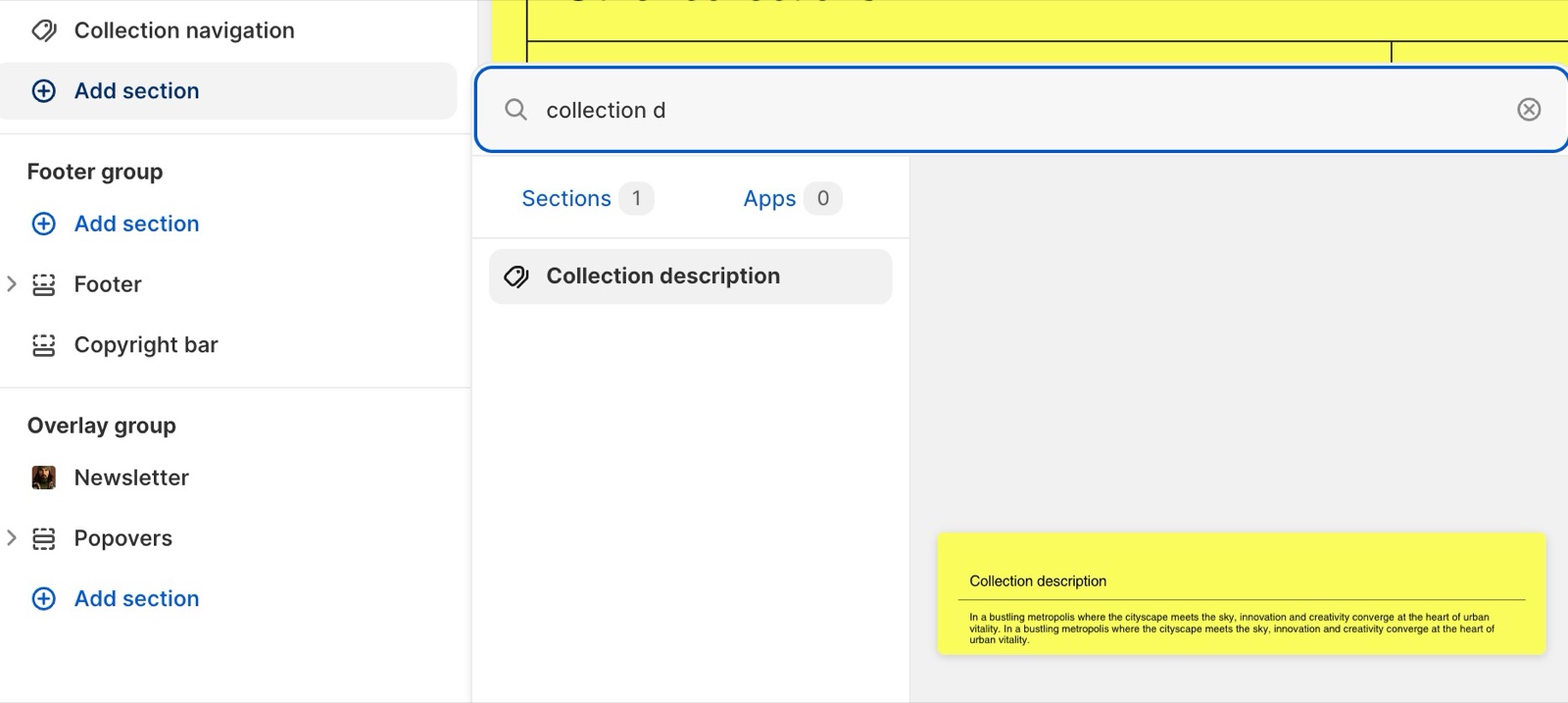
The Collection description section of Borders shows the collection description as its own section, for long texts below the grid.
Applies to: Borders 3.1.0 and later. Added in: Borders 1.0.0. Last checked: 2026-10-13 against Borders 3.1.0.
The Collection description section shows the collection's description, as written in Shopify admin, as a section of its own. Use it for long descriptions, or to put the text below the products instead of in the banner at the top.
Where to find it: Online Store → Themes → Customize → Collections → Default collection → Add section → Collection description. It can only be added to collection templates, once.
Typography
- Text font (Body or Headings), Text size (Small to Extra large) and Line height style the description.
- Heading (default "Collection description") and Heading tag set the heading above it.
- Color scheme and Hide section bottom border set the section design.
Move the description below the products
Add the section
Open a collection template, then select Add section → Collection description. Drag it below the Collection page section.
Hide the description at the top
Select the Collection page section and turn off Show collection description, so the text does not show twice.
Style it
Set the Heading, Text size and Line height.
Why is the collection description section empty?
The collection has no description. The section shows only for collections with a description, and stays hidden on the others. Write the description in Shopify admin → Products → Collections → the collection.
All Collection description settings
Every setting on this page, with its type and default.
This section only appears if the collection has a description.
Collection description section: Section heading
Where to find it: Collection description → Section heading
Heading (text box, default: "Collection description"): Sets the heading above the description. The section shows only for collections with a description.
Heading tag (dropdown, default: H2): Specify heading level to help search engines index the structure of your page. Options: H1, H2, H3, H4, span.
Collection description section: Typography
Where to find it: Collection description → Typography
Text font (dropdown, default: Body). Options: Body, Headings.
Text size (dropdown, default: Regular). Options: Small, Regular, Large, Extra large.
Line height (dropdown, default: Default). Options: Default, Small, Medium, Large.
Collection description section: Section design
Where to find it: Collection description → Section design
Color scheme (color scheme, default: scheme_1).
Hide section bottom border (checkbox, default: off).
Related pages
- Collection page: the banner and the Show collection description setting.
- Collection navigation section: the other section for collection templates.