Drawers group
The Drawers group of Borders holds the navigation drawer, cart drawer and search drawer, the panels that slide in from the side on every page.
Applies to: Borders 3.1.0 and later. Added in: Borders 1.0.0. Last checked: 2026-10-13 against Borders 3.1.0.
The Drawers group holds the three drawers of Borders: the panels that slide in from the side of the screen when a customer opens the menu, the cart or the search. They are the same on every page.
Where to find it: Online Store → Themes → Customize, the Drawers group in the theme editor sidebar.
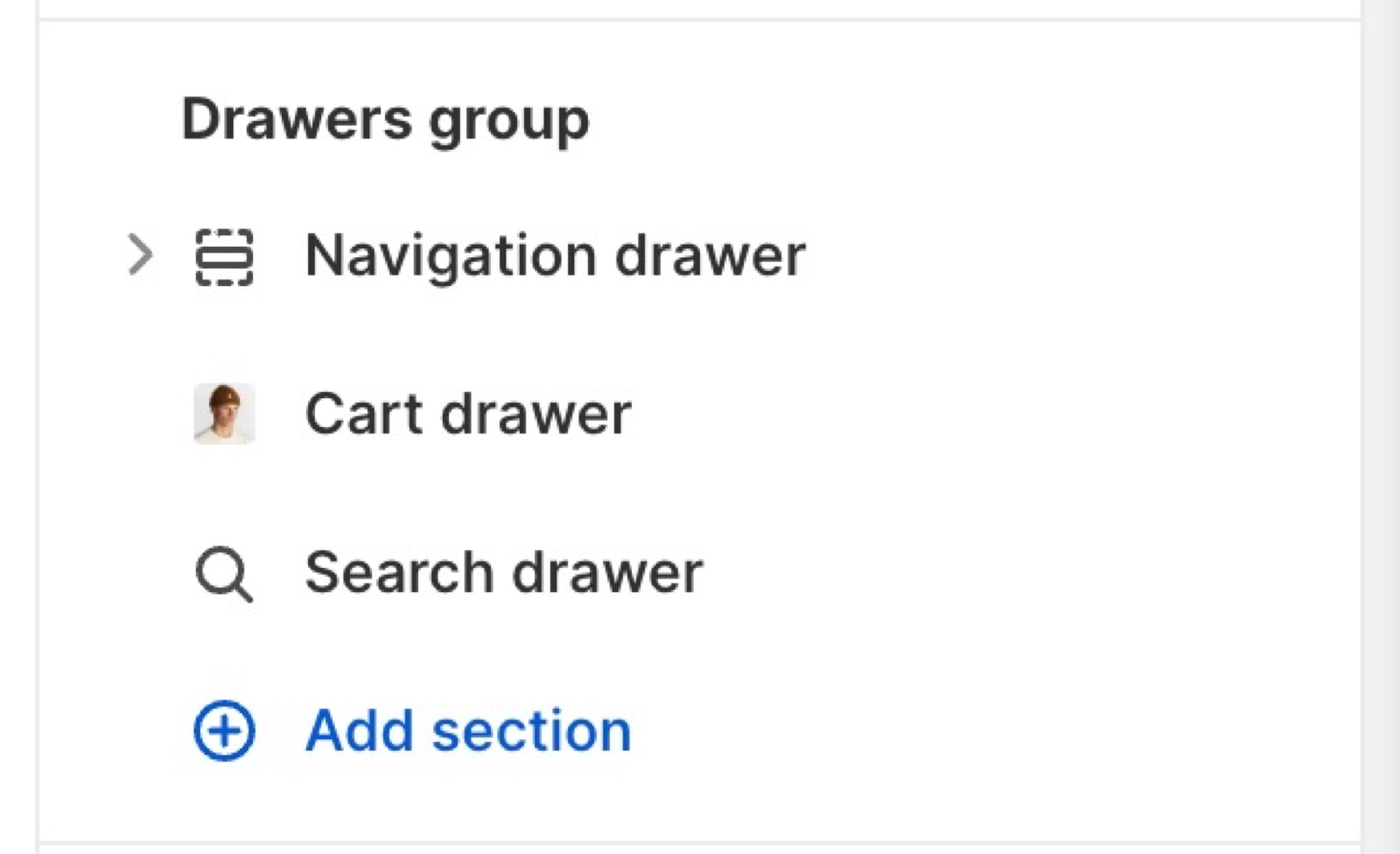
The three drawers
- Navigation drawer: the menu on mobile, and on desktop when the header uses the minimal (drawer) menu. Its menus are set here, not in the Header section.
- Cart drawer: the cart that opens after a customer adds a product. It works only when Theme settings → Cart → Cart type is Drawer.
- Search drawer: live search results as the customer types, opened from the search button in the header.
The three drawers are fixed parts of the group. Select a drawer in the sidebar to open it in the preview and edit its settings.
Drawer colors and borders
The drawers have no color scheme of their own. Theme settings set them for every drawer and popup:
- Theme settings → Colors → Modals/drawers sets the color scheme of all drawers.
- Theme settings → Borders → Modals/drawers → Disable borders in drawers removes the lines inside the drawers.
- Drawers use the border style of Theme settings → Borders, with lines of 1 px.
See Colors theme settings and Borders theme settings.
Why does my store have no menu on mobile?
The Navigation drawer has no Menu block, or its Menu blocks have no menu selected. On mobile, Borders always shows the menu in the navigation drawer, and the drawer shows only its own Menu blocks. Open Drawers group → Navigation drawer, select Add block → Menu and choose your menu.
Related pages
- Navigation drawer section: menus, selectors and a promotion.
- Cart drawer section: the drawer buttons and a recommended product.
- Search drawer section: featured links before customers type.
- Cart theme settings: cart type, notes, discounts and the free shipping bar.
Announcement bar
The Announcement bar section of Borders shows a line of text above or below the header, on all pages or only on some page types.
Navigation drawer
The Navigation drawer section of Borders is the mobile and minimal menu: menu blocks, country and language selectors, social links and a promotion.