Duplicate your store
Copy products, collections, pages, metafields and your theme from one Shopify store to another with the Duplify app.
Applies to: All Krown themes. Last checked: 2026-10-13.
A second store for another market, a staging store or a redesign does not have to be rebuilt by hand. The Duplify app copies your content from one store to another.
Where to find it: Shopify admin → Apps → Duplify, on the store you copy from
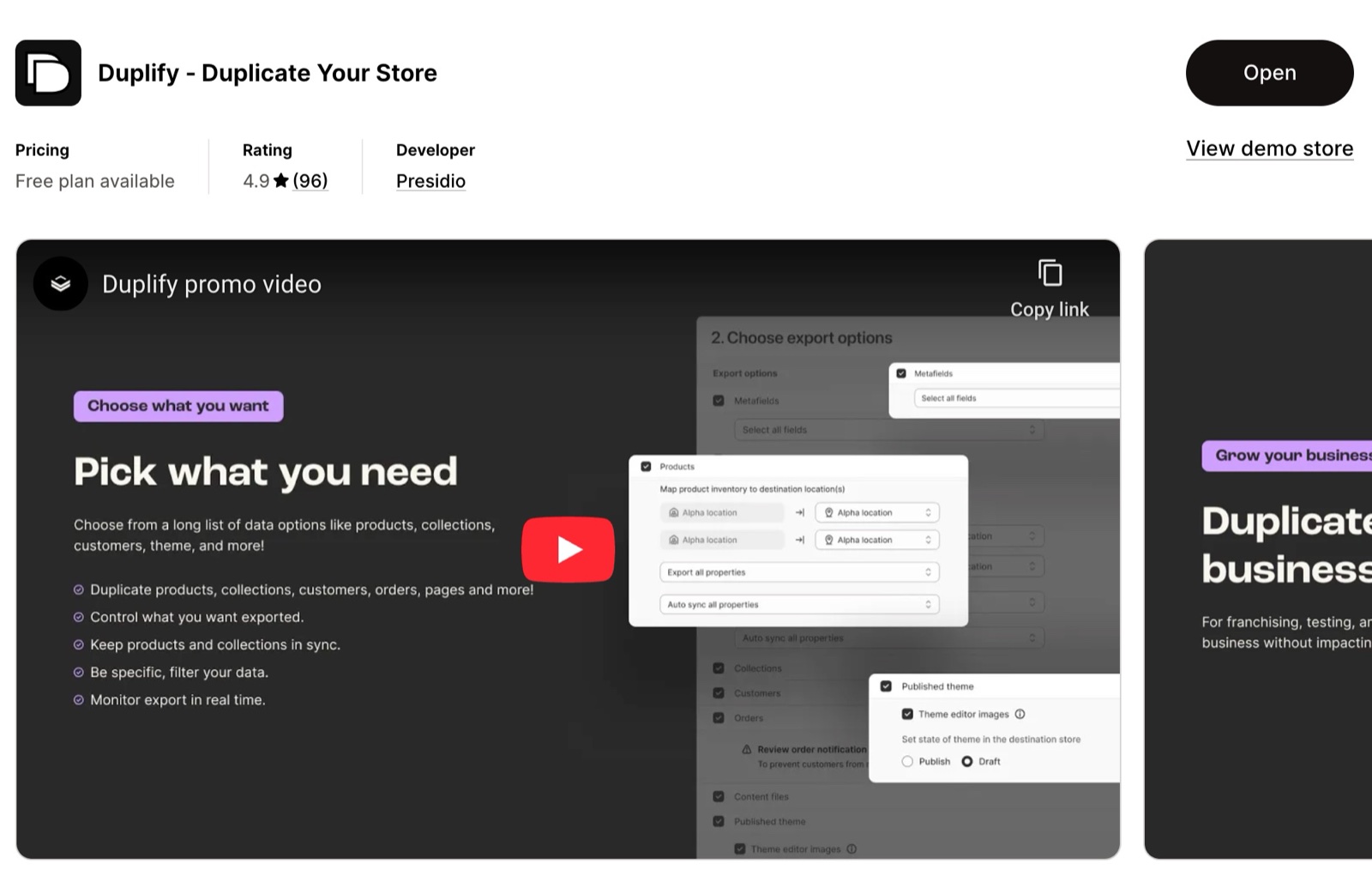
What Duplify copies
Duplify copies store content from one store to another. You choose what to copy:
- Products, inventory and collections.
- Pages, blogs and files.
- Metafields and redirects.
- Themes, with their settings, sections and content.
It can also keep backup copies of a store.
Duplify on the Shopify App Store
Copy your store with Duplify
Install Duplify on the source store
Install Duplify from the Shopify App Store in the store you copy from.
Connect the destination store
Follow the app's steps to connect the store you copy to.
Choose what to copy
Select the content to copy, for example products, collections, pages and your theme.
Run the copy
Start the copy and wait for the app to report that it has finished.
Check the destination store
Open a product, a collection and the theme editor on the new store, and check that everything is there.
Set up the rest
Install your apps again, and set up markets, domains, payments and shipping. These are store settings, not content.
Can I use my Krown theme on the new store?
Only with its own licence. A theme from the Shopify Theme Store is licensed to the store where you bought it and can be used on one store at a time. This includes Shopify Plus expansion stores: each store needs its own licence. Buy the theme on the new store before you publish the copied theme there. See Shopify's Understanding licensing and transferring themes.
How is this different from duplicating a theme?
Duplicating a theme copies only the theme, inside the same store: Online Store → Themes → … → Duplicate. Duplify copies content and the theme to another store.
Related pages
- Shopify related FAQ: theme licences and moving a theme to a new store.
- Bulk edit your products: change many products at once after the copy.
Update your theme with Theme Updater Plus
Theme Updater Plus updates a Krown theme and carries over settings and code edits. Check the supported theme versions before you start.
Show variant metafields on the product page
Show details that change with the selected variant, such as measurements or materials, with a variant metafield and the Variant metafield block.