Bulk edit your products
Change prices, tags, inventory and metafields of many products at once with Shopify's bulk editor, a CSV file or the Ablestar Bulk Product Editor app.
Applies to: All Krown themes. Last checked: 2026-10-13.
A large catalog takes long to update one product at a time. Shopify has its own bulk editor and CSV import for most changes; the Ablestar Bulk Product Editor app adds previews, undo and scheduled edits.
Where to find it: Shopify admin → Products, then select the products
Bulk edit with Shopify's bulk editor
Select the products
Open Shopify admin → Products and select the products you want to change.
Open the bulk editor
Select Edit products. The products open in a spreadsheet.
Add the fields you need
Select Columns to add more fields, including metafields.
Change the values and save
Change the values in the cells and select Save.
For large changes to many fields, export your products as a CSV file from Shopify admin → Products, change it in a spreadsheet program and import it again.
Bulk edit with Ablestar Bulk Product Editor
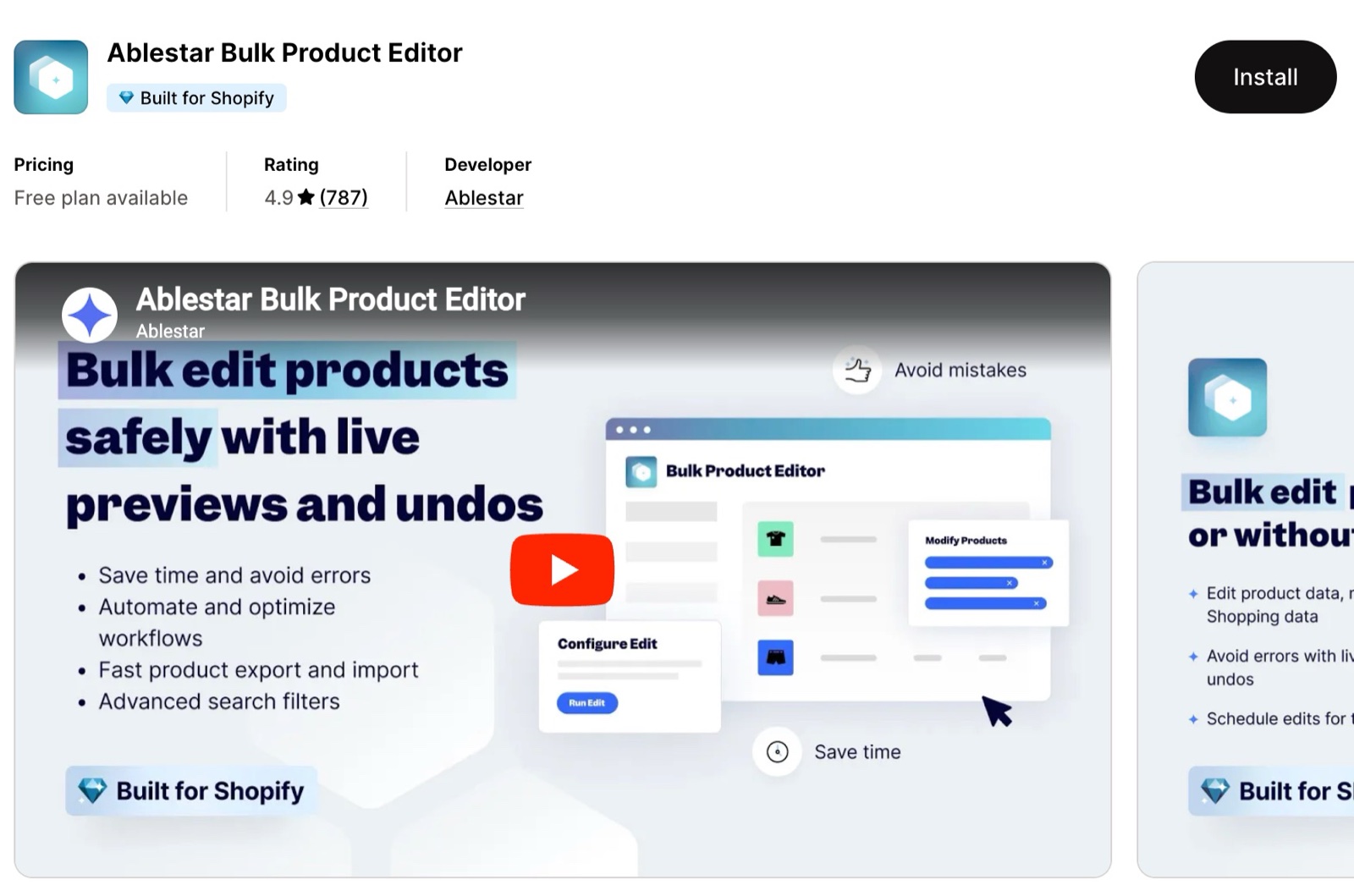
Ablestar Bulk Product Editor edits products inside Shopify admin, with safety nets for large catalogs:
- Bulk product editing: prices, tags, descriptions, inventory, SKUs, barcodes, metafields, collections and more.
- Preview before applying: review your edits before they go live.
- Undo: reverse a bulk edit, for example after a temporary sale.
- Spreadsheet import and export: CSV, Excel, Matrixify / Excelify and Google Shopping formats.
- Scheduled and recurring edits: plan price changes, sales or inventory updates in advance.
- Metafield support: product and variant metafields, such as the ones Krown themes use for badges, swatches or variant details.
Ablestar Bulk Product Editor on the Shopify App Store
Can I bulk edit metafields?
Yes. Add them as columns in Shopify's bulk editor, under Columns → Metafields. The metafield needs a definition first. Ablestar Bulk Product Editor also edits product and variant metafields, with a preview and undo.
Related pages
- Show variant metafields on the product page: variant metafields.
- Use dynamic sources for unique product pages: product metafields.
Assign several images to one variant
Show only the images of the selected variant with Rubik Variant Images, and link separate products as variants with Rubik Combined Listings.
Product review apps
How seven product review apps fit Krown themes: design, the files they load, price, and whether they fill the theme's star rating on product cards.