Choose a Krown theme
Compare the Krown Themes Shopify themes by design, standout feature and catalog size, and choose the one that fits your store.
Applies to: All Krown themes. Last checked: 2026-10-13.
Krown Themes makes seven themes for the Shopify Theme Store, each designed for a different kind of store. This page compares them so you can pick the one that fits your catalog and your brand. Every Krown theme passed Shopify's Theme Store review and gets free updates.
Where to find it: Krown Themes on the Shopify Theme Store, with the presets and demo stores of each theme
Which Krown theme fits my store?
| Theme | Design | Standout feature | Catalog size |
|---|---|---|---|
| Seventh | Editorial, card-based | Card layout system, from classic grids to asymmetric layouts | Not rated yet |
| Local | Classic | Local inventory notification | Large and medium |
| Combine | Classic, elegant | Product bundling sections | Large and medium |
| Borders | Modern | Animation effects | Medium and small |
| Highlight | Modern, clean | Asymmetry | Small |
| Kingdom | Classic | Sidebar | Medium |
| Split | Modern | Scrolling slider | Medium |
Seventh: for fashion and luxury brands
Seventh is the newest Krown theme. Every page is built from sections, cards and blocks, so the same theme goes from a classic product grid to an asymmetric editorial layout. It suits fashion, jewelry, home and beauty brands, and has four presets: Seventh, Nora, Oak and Orim.
See What is Seventh and Seventh on the Theme Store.
Local: best for large inventory stores with a classic feel
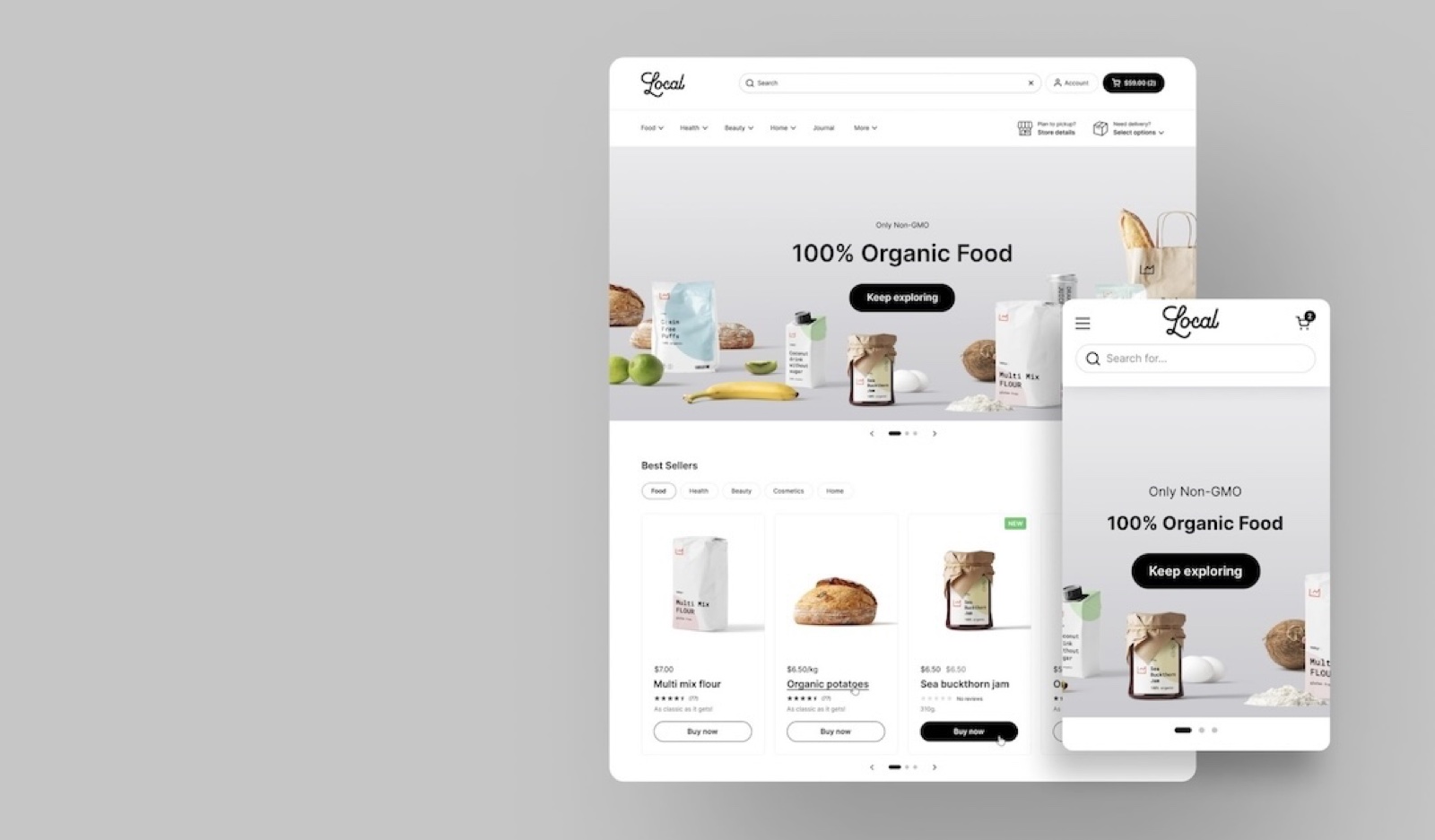
Local is Krown's best-selling theme, for large catalogs that need a clean, classic design that is easy to navigate.
- A large header for stores with a lot of content, and flexible sections.
- Local pickup built in: suits shops that also sell in a physical store.
- First made for food stores, now used in health, home, fashion and other industries.
Great brands using Local*:
*Featured stores are built by agencies, so they might have features that are not in the theme by default.
Combine: best for conversion-focused stores
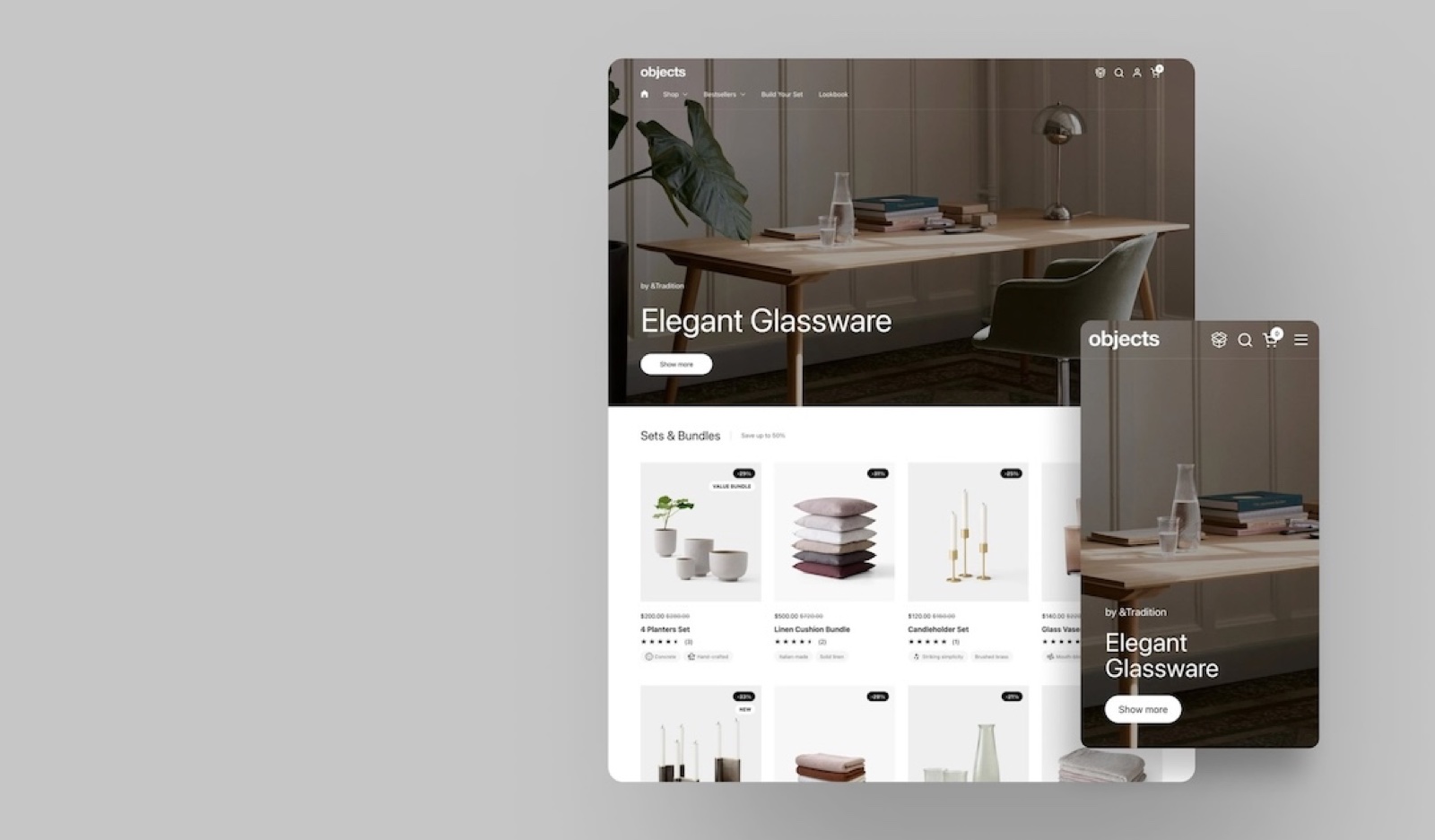
Combine is an elegant theme built around selling more, for large catalogs in home, beauty, apparel, food and other industries.
- Sections for product bundles, kits, upsells and cross-sells, without extra apps.
- A parallax slider for promotions and lookbooks.
- A quick buy grid, so customers add products to the cart from collection pages.
See Combine on the Theme Store.
Great brands using Combine*:
*Featured stores are built by agencies, so they might have features that are not in the theme by default.
Borders: best for small to medium stores with a visual story
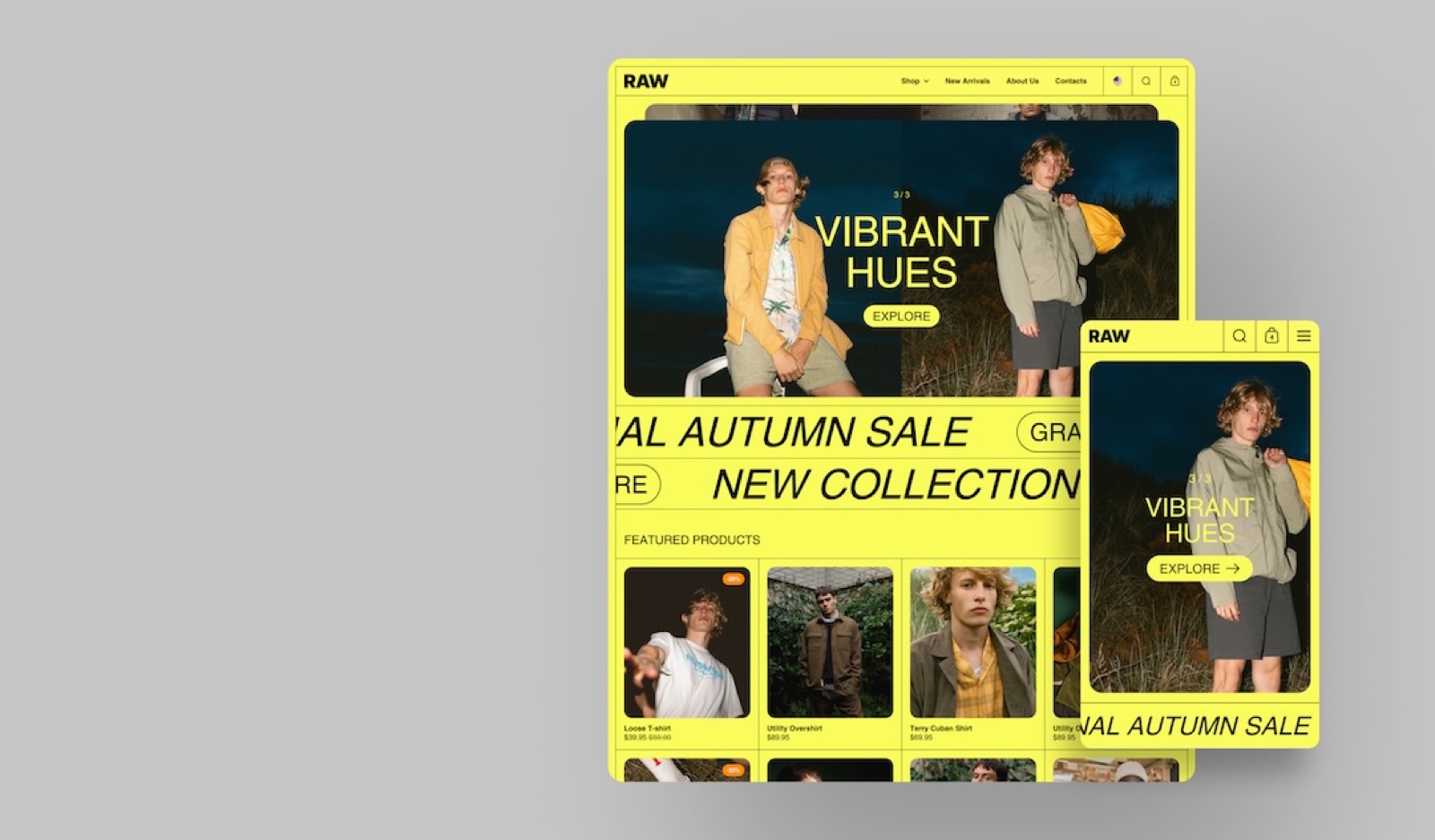
Borders is an avant-garde theme for stores that tell their story with visuals and editorial content.
- Bold typography, grid-based layouts and parallax effects.
- Many design options for stores that want an unusual look.
- Suits art, architecture and creative studios. A traditional or classic store may prefer another theme.
See Borders on the Theme Store.
Great brands using Borders*:
*Featured stores are built by agencies, so they might have features that are not in the theme by default.
Highlight: best for single-product stores or content-driven brands
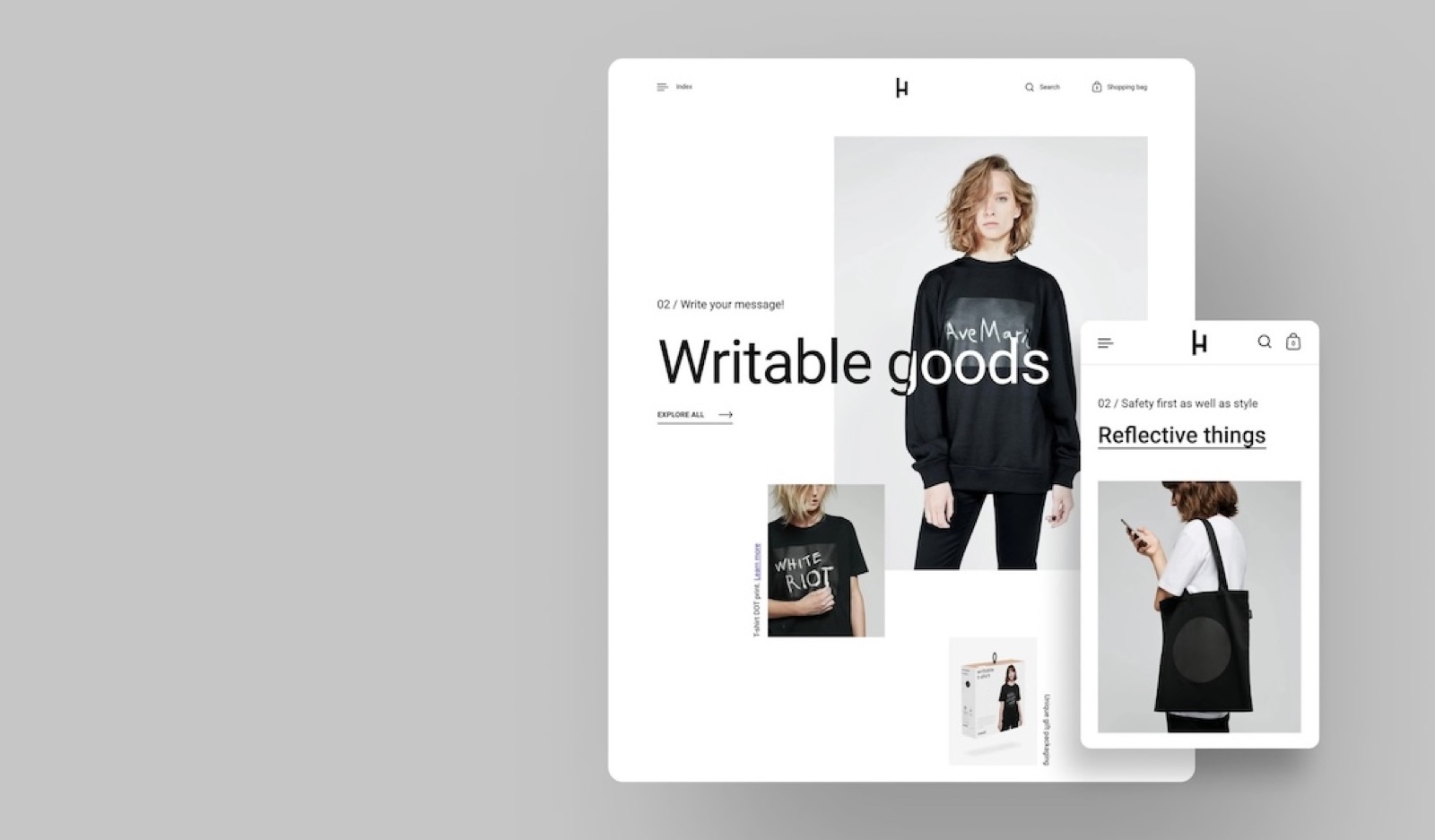
Highlight is for stores with one product or a small range that want a big impact.
- An asymmetric layout with a lot of white space.
- Suits rich visual content and brand stories: art, apparel, or a single hero product.
- Works like a landing page: less about product variety, more about the story behind the product.
See Highlight on the Theme Store.
Great brands using Highlight*:
*Featured stores are built by agencies, so they might have features that are not in the theme by default.
Kingdom: a stylish choice for mid-sized stores
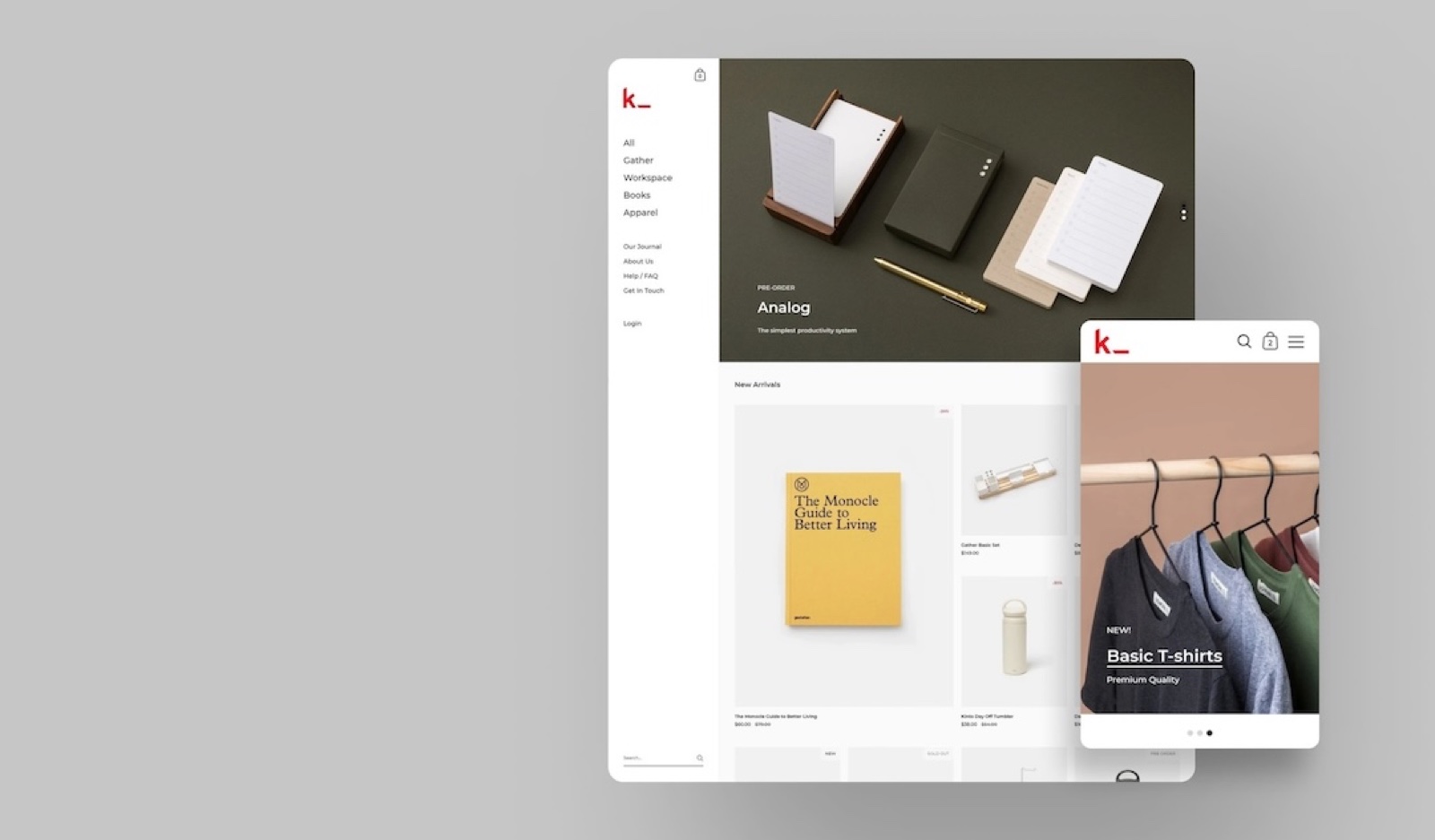
Kingdom is Krown's first theme, for mid-sized stores that want a distinctive look.
- A signature sidebar layout for the navigation.
- Works in many industries, best for brands whose identity fits a sidebar navigation.
See Kingdom on the Theme Store.
Great brands using Kingdom*:
*Featured stores are built by agencies, so they might have features that are not in the theme by default.
Split: engaging and balanced for creative stores
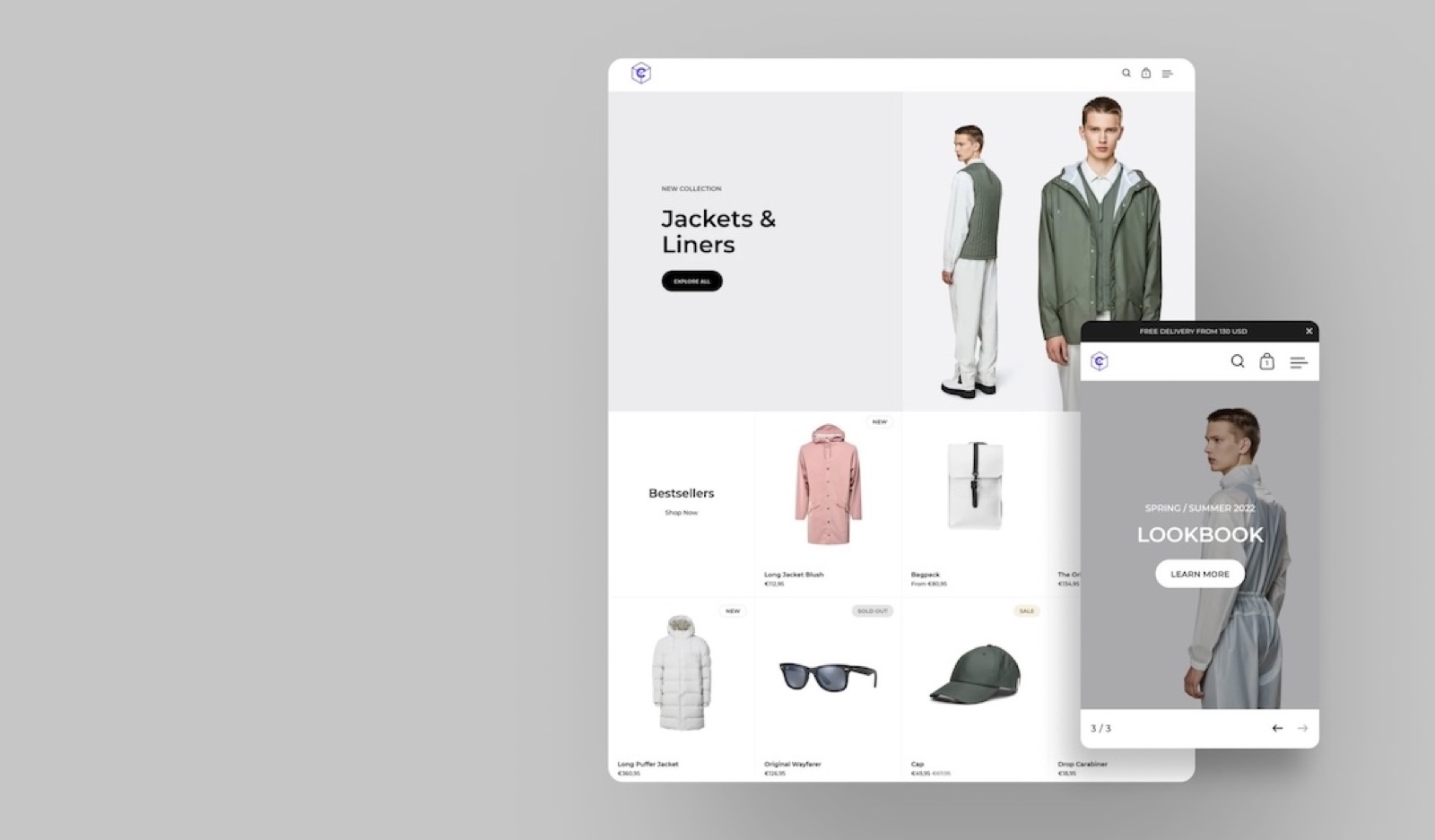
Split has a split-screen layout that puts key sections and products side by side, with a clean, organized structure.
- Suits creative stores that want a bold visual look with simple navigation.
- A scrolling slider as its standout section.
Great brands using Split*:
*Featured stores are built by agencies, so they might have features that are not in the theme by default.
Can I try a theme before I buy it?
Yes. On the Shopify Theme Store, open the theme and select Try theme. Shopify adds it to your theme library, where you can set it up and preview it with your own products. You pay only when you publish it.
Related pages
- Update your Shopify theme: move to a newer version of your theme.
- Shopify related FAQ: theme licences, refunds and other things Shopify controls.
- Seventh documentation: the settings, sections and blocks of Seventh.
Shopify basics
Shopify topics shared by every Krown theme: updating your theme, products and metafields, apps, speed, SEO, cookies, Krown support and code.
Update your Shopify theme
Update your Krown theme to the latest version: what Shopify carries over, the steps in the theme library, and how to move your code edits.