Translate your store into multiple languages
Add languages to your Shopify store and translate the content and the theme texts with Translate & Adapt, T Lab or langify.
Applies to: All Krown themes. Last checked: 2026-10-13.
A store in your customers' language helps you sell abroad. You add and publish languages in Shopify; a translation app then translates your products, pages and theme texts. This page shows how to add a language and compares three translation apps.
Where to find it: Shopify admin → Settings → Languages
Add a language to your store
Languages are added in Shopify, not in the theme or the app.
Add the language
Open Shopify admin → Settings → Languages and select Add language. Choose the language, select Next, turn on the domains it should use and select Done.
Translate your content
Translate your products, pages and theme texts with a translation app (see below). Shopify installs Translate & Adapt for you when you add a language.
Publish the language
In Settings → Languages, open the … menu next to the language and select Publish.
Show the language selector
In the theme editor, turn on Show language selector in the Header or Footer section (Kingdom: the Sidebar section), so customers can switch languages.
Shopify Translate & Adapt
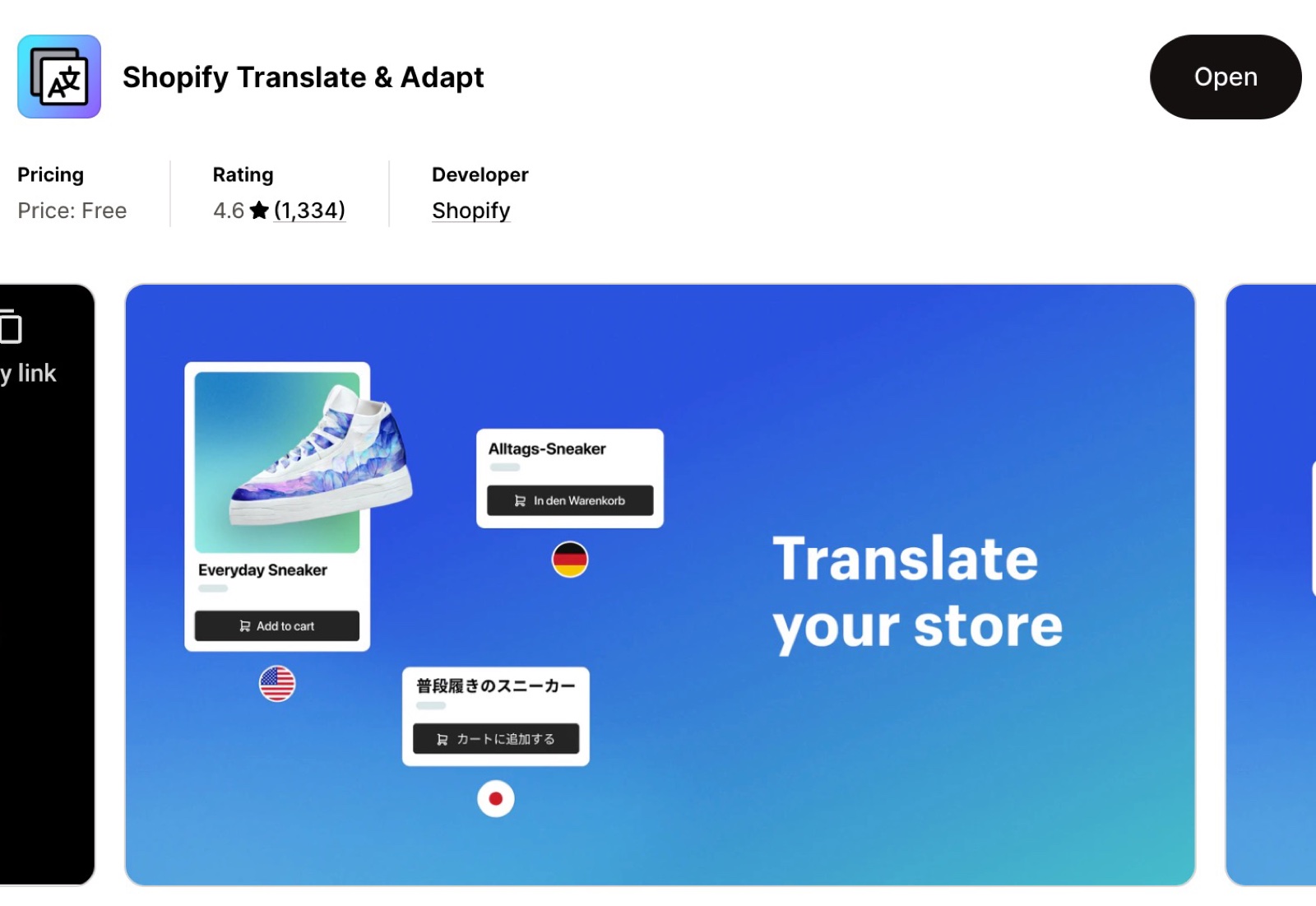
Shopify's own free app, for stores that start with a few languages.
- A side-by-side editor to translate and adjust texts by hand.
- Automatic translation by Shopify for up to two languages.
- Works inside Shopify admin.
Shopify Translate & Adapt on the Shopify App Store
T Lab – AI Language Translate
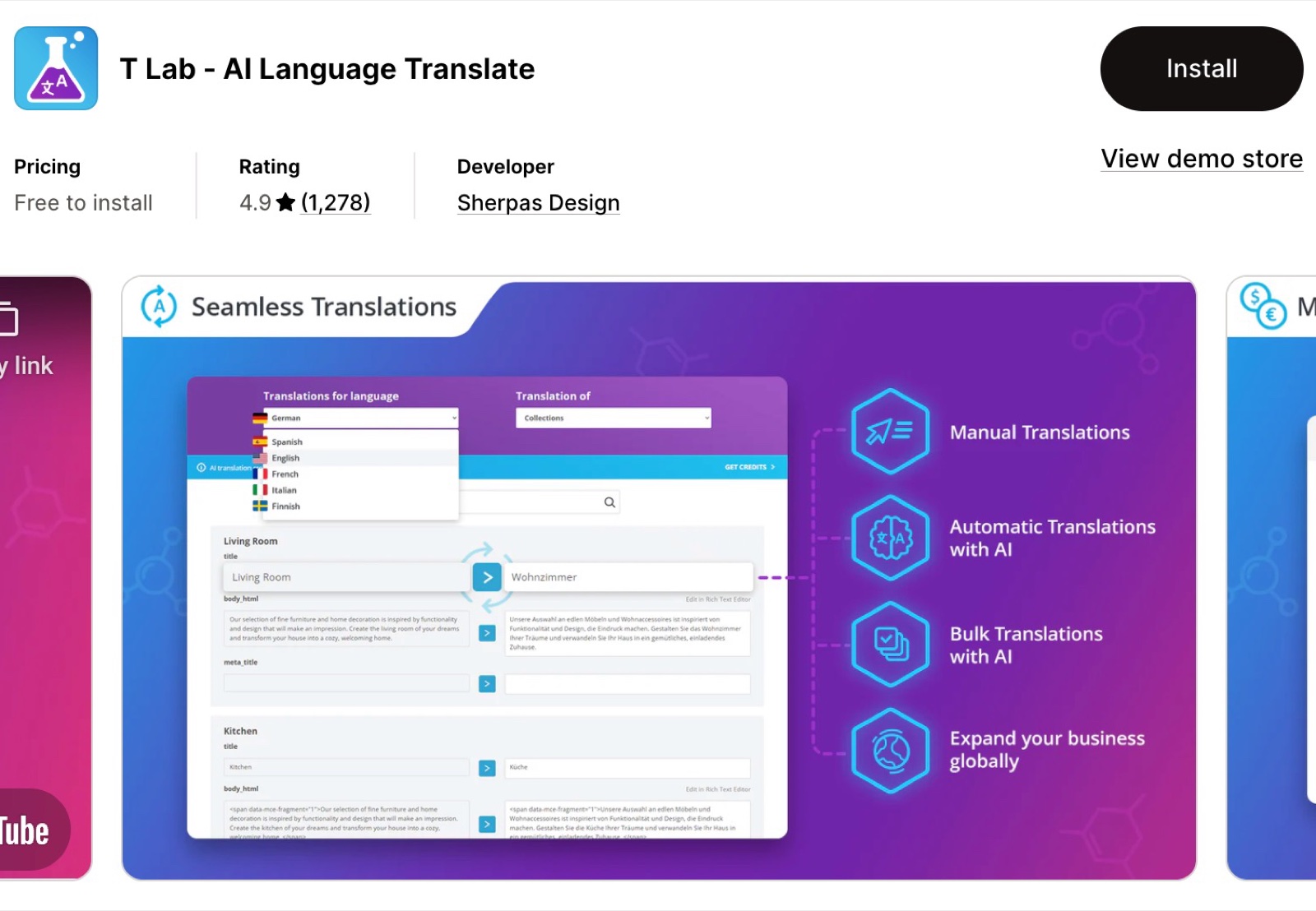
A flexible app for stores that want consistent automatic translations as they grow.
- AI translation with engines such as DeepL, Google or ChatGPT.
- A glossary and bulk translation.
- Translates content from third-party apps too.
T Lab – AI Language Translate on the Shopify App Store
langify – Translate Your Store
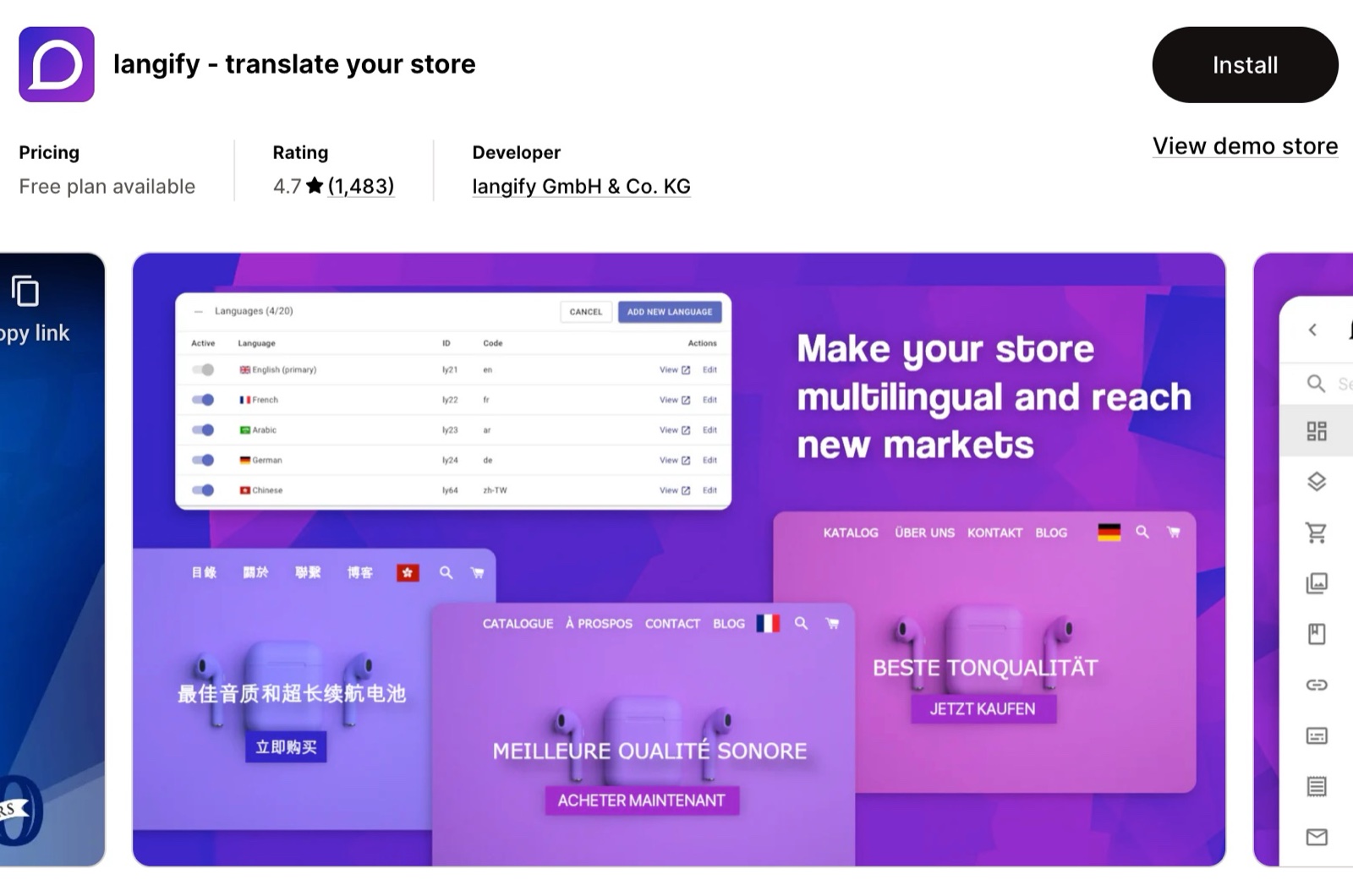
An app for full control over your translations, by hand or automatic.
- Translates third-party app content too.
- Language subfolders that work well for SEO.
- A customizable language switcher.
langify – Translate Your Store on the Shopify App Store
How do I translate the theme's own texts?
With the same translation app. The theme's texts, such as "Add to cart", are theme content: Translate & Adapt and the other apps list them under the theme. Krown themes already include translations of these texts in more than 30 languages (Kingdom: 5). To change a text in your main language, use Online Store → Themes → … → Edit default theme content.
Related pages
- Shopify related FAQ: change a default theme text, and theme customizations per market.
- Product review apps: other apps for Krown themes.
Subscription apps
Four subscription apps that work with Krown themes: Seal Subscriptions, Recharge, PayWhirl and Shopify Subscriptions, and which store each one suits.
Connect Mailchimp
Krown themes save newsletter sign-ups as Shopify customers. Connect Mailchimp with its Shopify app to send those contacts to your Mailchimp audience.