Subscription apps
Four subscription apps that work with Krown themes: Seal Subscriptions, Recharge, PayWhirl and Shopify Subscriptions, and which store each one suits.
Applies to: All Krown themes. Last checked: 2026-10-13.
Subscriptions (recurring orders and payments) come from an app, not from the theme. The app adds its subscription options to the product page as an app block, and Krown themes show the chosen subscription plan in the cart. These are the four apps Krown recommends, and the kind of store each one suits.
Where to find it: Products → Default product → the product page section → Add block → Apps
Seal Subscriptions
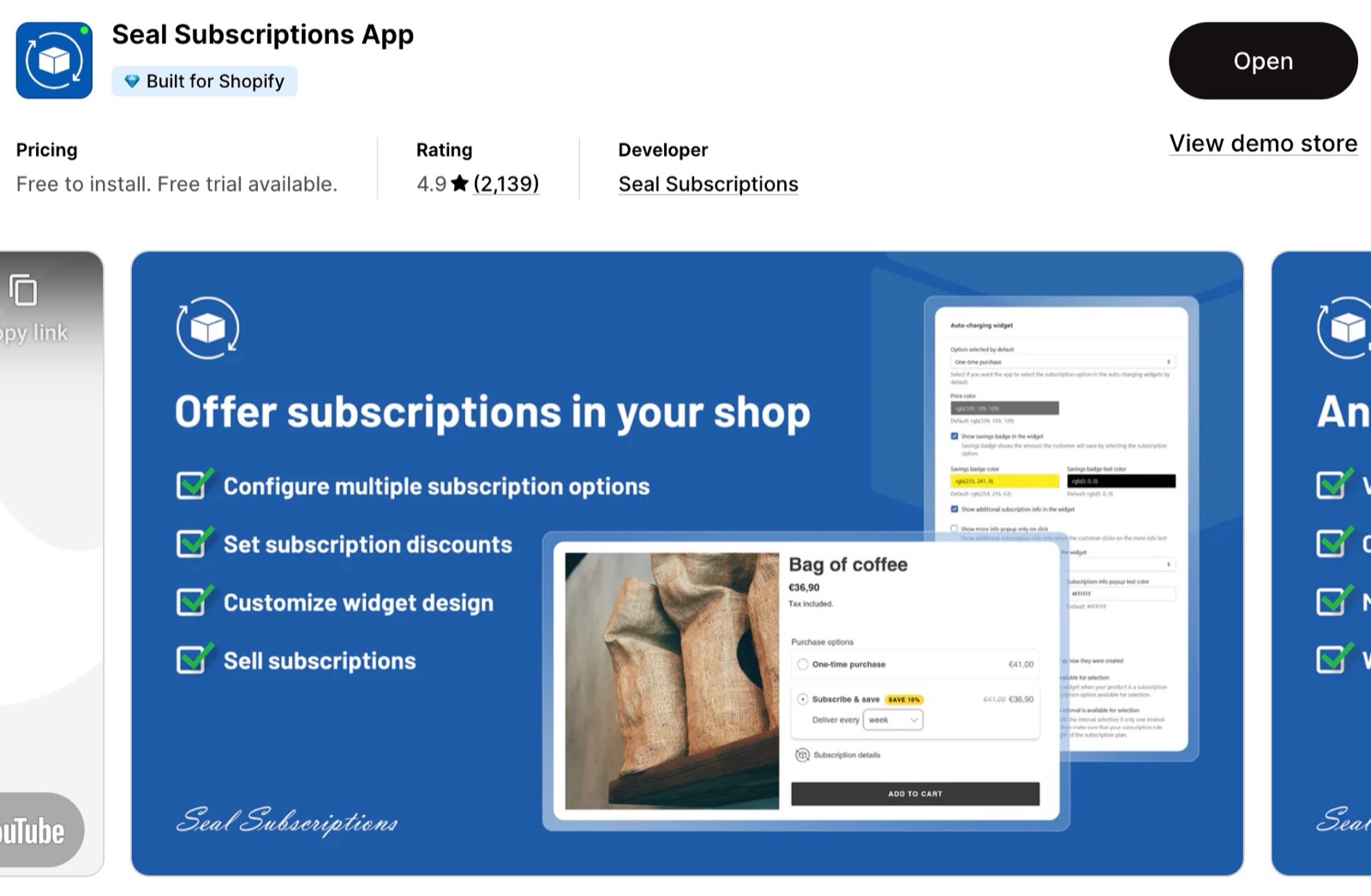
A budget-friendly app with many features, simple to set up for a first subscription offer.
- Suits small and medium stores that watch their budget.
- Tiered discounts, custom shipping profiles and white-label branding.
- Statistics for business insights, and responsive support.
Seal Subscriptions on the Shopify App Store
Recharge Subscriptions
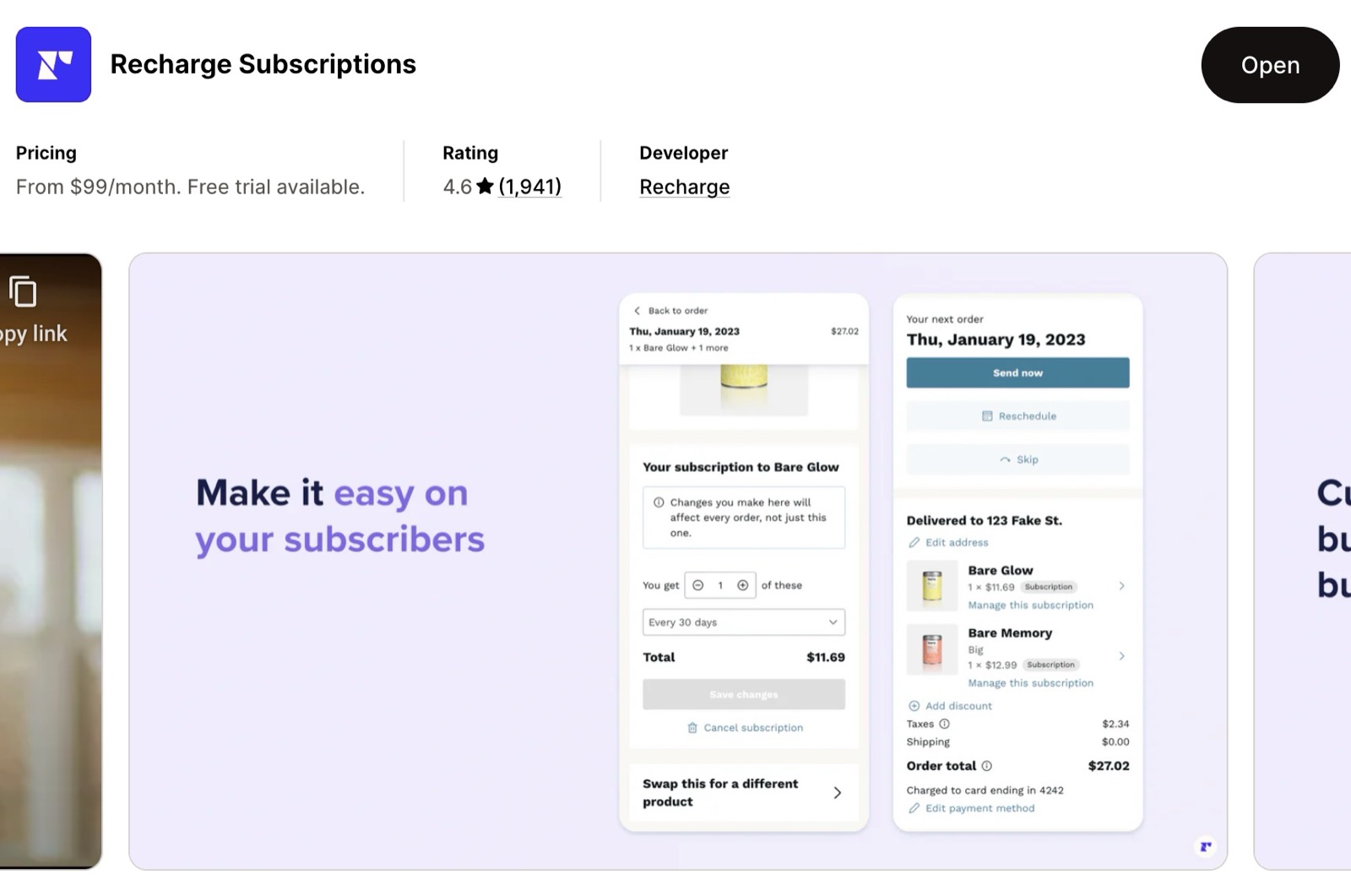
The most complete option, and one of the more expensive ones, for stores that want to grow subscriptions and keep subscribers.
- Suits larger or fast-growing stores.
- Bundles, analytics dashboards, one-click upsells and churn (cancellation) management.
- Several plans for different stages of growth.
Recharge Subscriptions on the Shopify App Store
PayWhirl Subscriptions
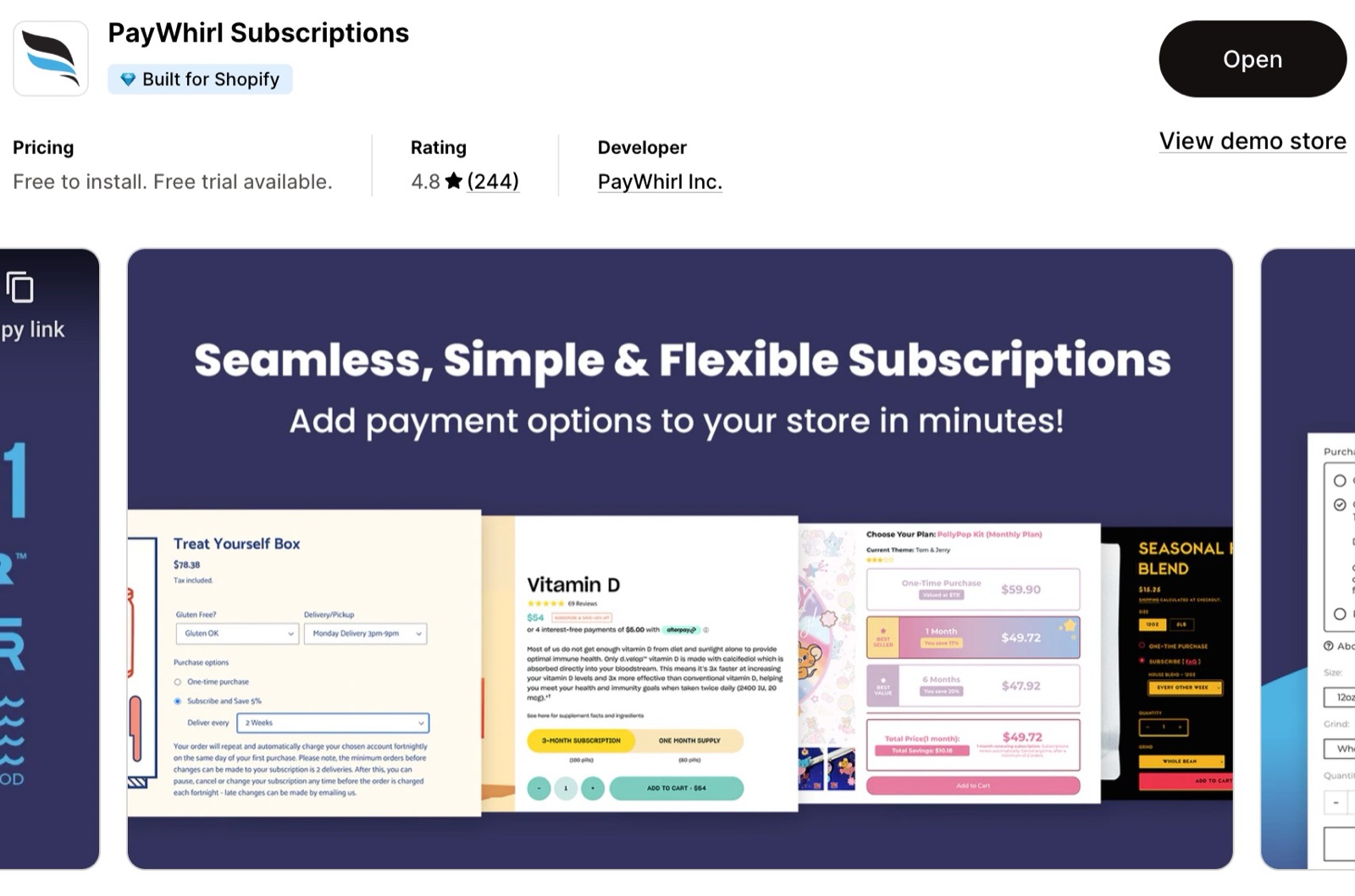
A flexible, simple app with a drag-and-drop setup, for small and high-volume stores alike.
- Suits stores that move from another subscription platform, or start fresh.
- Cancellation prevention flows, analytics and integrations such as Klaviyo.
- Free help with moving your subscriptions from another platform.
PayWhirl Subscriptions on the Shopify App Store
Shopify Subscriptions
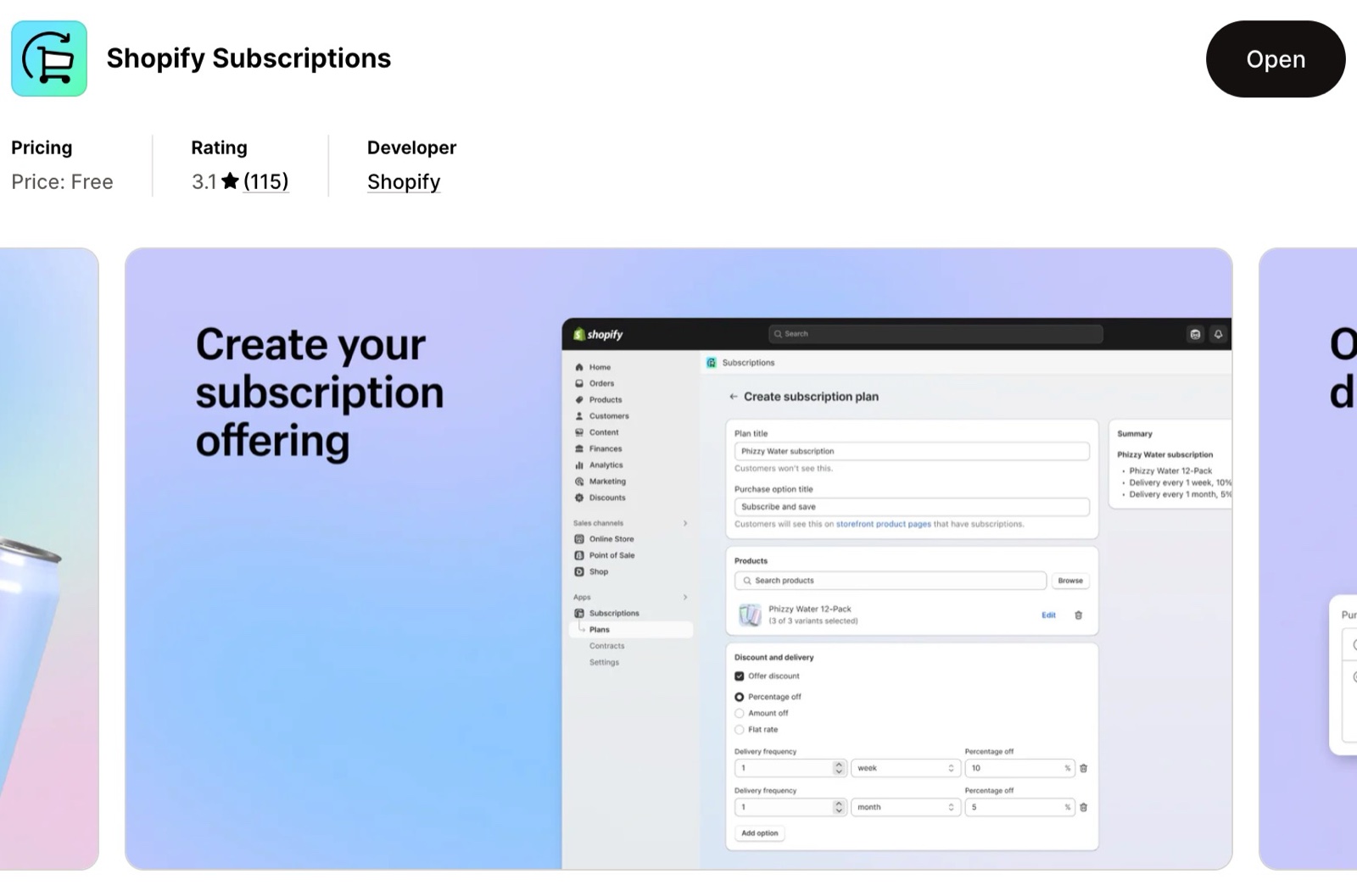
Shopify's own free app, for a first, simple subscription offer.
- Suits small stores and beginners who want no extra cost.
- Automatic billing, email notifications and basic reports.
- Managed inside Shopify admin. A growing store may need the features of the other apps later.
Shopify Subscriptions on the Shopify App Store
Which subscription app should I choose?
Start from your size and budget. Shopify Subscriptions or Seal Subscriptions suit a first offer at low cost. PayWhirl suits a store that moves from another platform. Recharge suits a store that wants advanced tools for growth and retention.
Where do the subscription options appear on the product page?
In the app's block, which you add to the product page yourself:
Open the product template
After you install the app, open the product template in the theme editor and select the product page section.
Add the app's block
Select Add block and choose the app's block under Apps. Place it near the buy buttons and select Save.
If the block does not show the plans, check in the app that the product has a subscription plan.
Related pages
- Product review apps: review apps for Krown themes.
- Understand your store speed: how apps affect loading time.
Product review apps
How seven product review apps fit Krown themes: design, the files they load, price, and whether they fill the theme's star rating on product cards.
Translate your store into multiple languages
Add languages to your Shopify store and translate the content and the theme texts with Translate & Adapt, T Lab or langify.