Optimize images and improve SEO
Compress images, write alt text and fix technical SEO issues with the Tiny SEO Speed Image Optimizer app, and what Shopify already does for your images.
Applies to: All Krown themes. Last checked: 2026-10-13.
Large images slow your store down, and images without alt text tell search engines little. Shopify and Krown themes already handle part of this; an app such as Tiny SEO Speed Image Optimizer helps with the rest.
Where to find it: image alt text in Shopify admin → Products (each product's images) and Shopify admin → Content → Files
What Shopify and the theme already do for your images
- Shopify's image server sends each image in WebP or AVIF to browsers that support them, without any action from you.
- Krown themes ask Shopify for several image sizes, so a phone downloads a smaller file than a large desktop screen.
- Krown themes load images further down the page only when the customer scrolls near them (lazy loading).
So you do not need an app for lazy loading or image formats. What still helps: compressing very large uploads, writing alt text, and giving image files meaningful names.
Optimize images with Tiny SEO Speed Image Optimizer
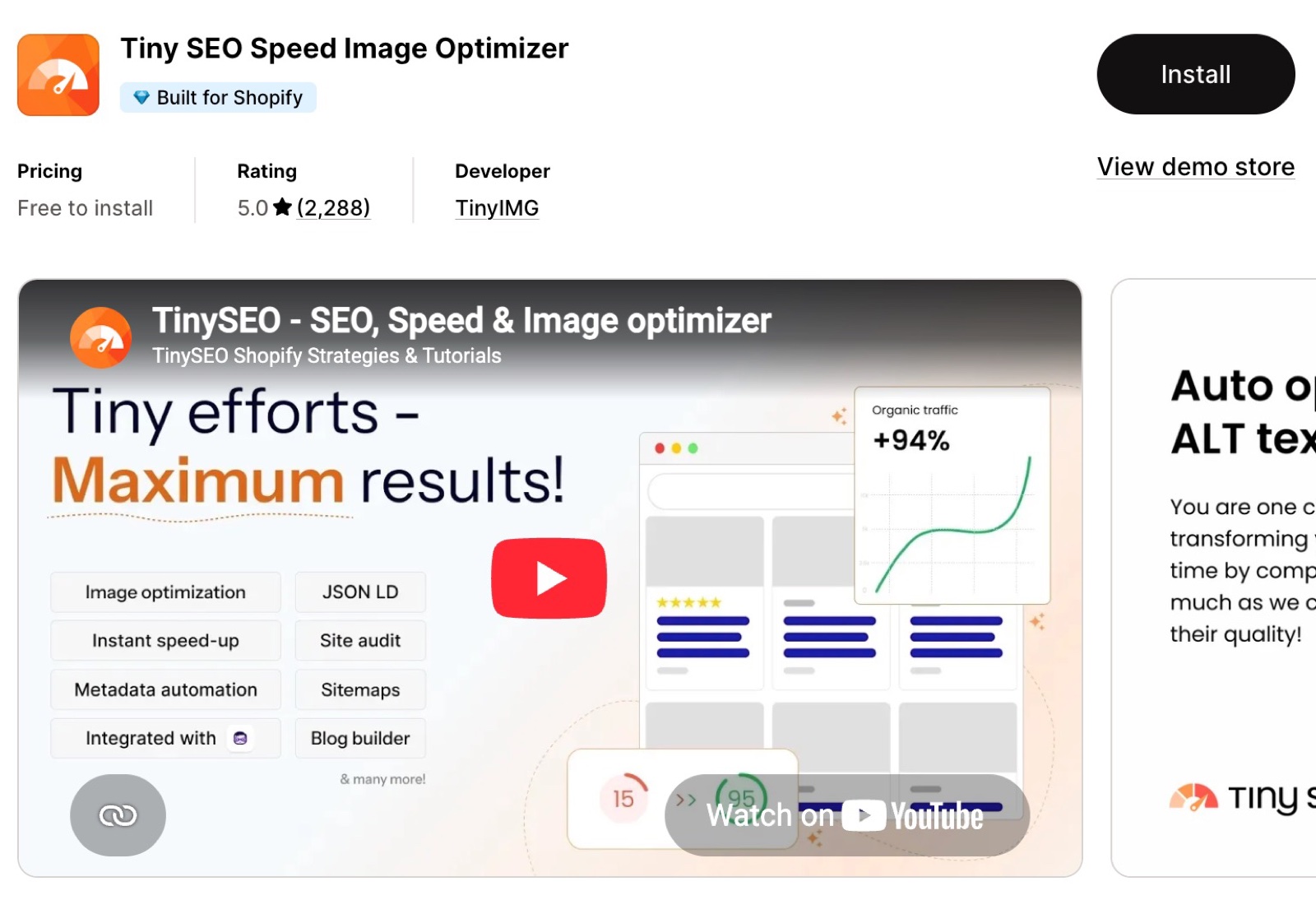
Tiny SEO Speed Image Optimizer (TinySEO) automates image and SEO work:
- Image compression: compresses and resizes your images while keeping their quality.
- Image SEO: writes alt text and file names for your images, so search engines understand your products.
- SEO audits: finds technical problems such as broken links and missing meta data.
- Structured data: can add its own JSON-LD data.
Tiny SEO Speed Image Optimizer
If you turn on the app's structured data, turn on Disable microdata schema in the theme so search engines do not get the same data twice. See SEO settings in Krown themes.
Do I need an app to add image alt text?
No. You can write alt text yourself: open a product in Shopify admin, select an image and fill in its alt text. Other images have their alt text in Content → Files. An app saves time when you have many products.
Related pages
- SEO settings in Krown themes: microdata and breadcrumbs.
- Understand your store speed: what slows a store down.
SEO settings in Krown themes
The structured data (microdata) and breadcrumb settings that Krown themes have for SEO, and when to turn them off.
Cookie consent popup
Krown themes have a cookie popup that asks customers to accept or decline tracking. How it works with Shopify's customer privacy settings and cookie banner.