Cookie banner apps for GDPR compliance
When the theme's cookie popup or Shopify's banner is not enough for GDPR, CCPA or Google Consent Mode, use a consent app such as Consentmo.
Applies to: All Krown themes. Last checked: 2026-10-13.
Every Krown theme has a cookie consent popover, and Shopify has its own free cookie banner. For many stores that is enough. If your store needs stricter privacy compliance, a consent app does more.
Where to find it: Shopify admin → Settings → Customer privacy for Shopify's banner and consent regions; the consent app in Shopify admin → Apps, once installed
When is the built-in cookie popover not enough?
The theme's popover and Shopify's banner use the same Shopify consent system. They ask the customer and pass the answer to Shopify, but they do not cover every compliance case:
- The theme's popover accepts or declines all cookie types at once. Customers cannot choose per category, such as analytics but not marketing.
- Neither one scans your store for cookies or blocks third-party scripts until the customer agrees.
- They do not handle customer data requests or produce compliance reports.
If you need any of these, for example for GDPR, CCPA, LGPD, Google Consent Mode v2 or IAB TCF, use a consent app.
Consentmo GDPR Compliance
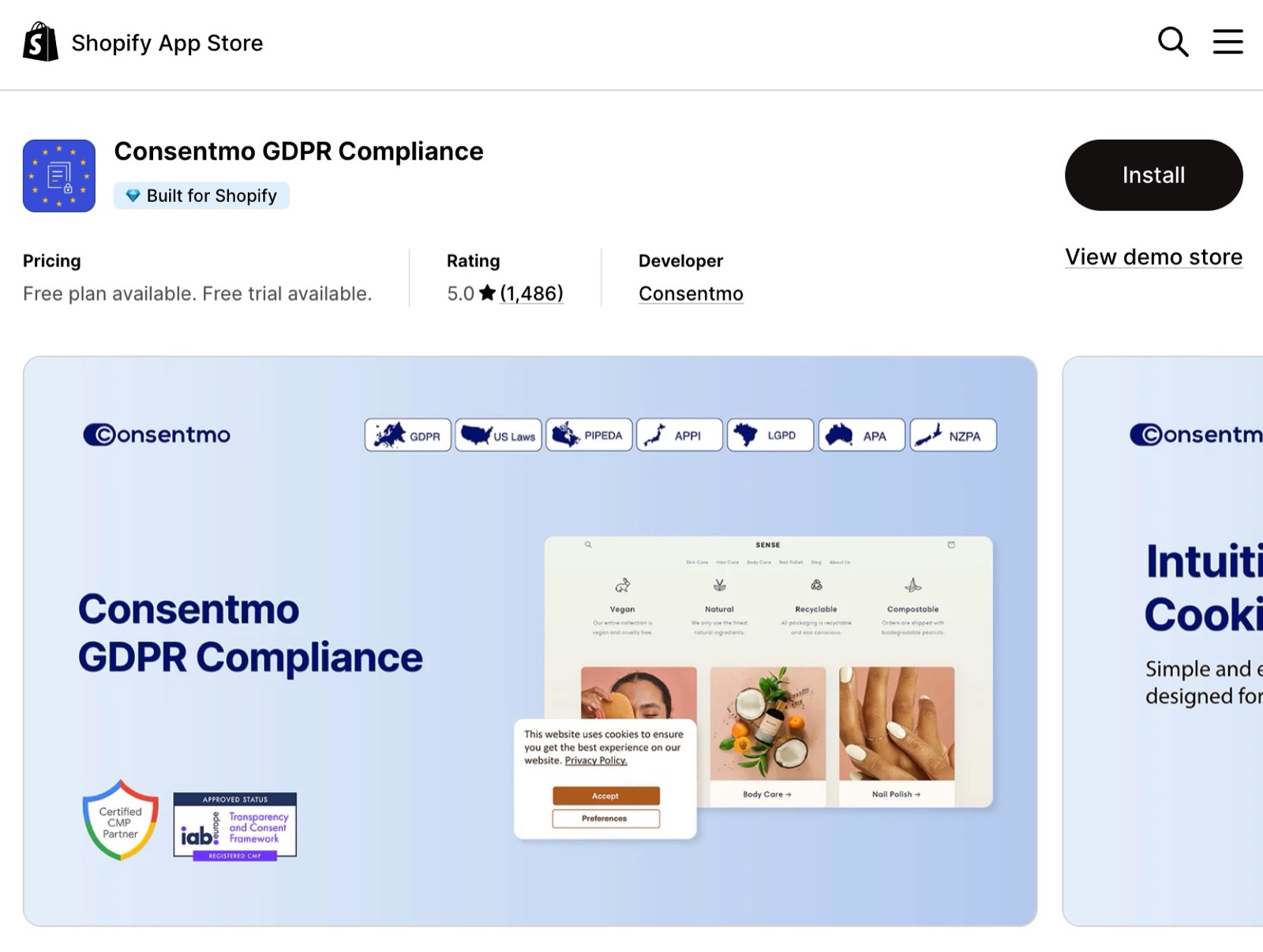
Krown recommends Consentmo GDPR Compliance. It is Google-certified and covers GDPR, CCPA, LGPD and other privacy laws.
- Automatic cookie scanning and script blocking.
- Customer data requests and compliance pages.
- Several banner types (bar, dialog, box) for mobile and desktop.
- Rules per region and banners in more than 20 languages.
- Google Consent Mode v2 and IAB TCF 2.2 support, and a checkout integration for Shopify Plus.
Consentmo GDPR Compliance on the Shopify App Store
Can I use a consent app together with the theme's popover?
No, use one banner. With a consent app, remove the theme's cookies block or section and Shopify's own banner, so customers answer only once. Set the same consent regions in the app and in Shopify admin → Settings → Customer privacy, otherwise data can be collected before a customer agrees. The app developer supports the app, not Krown.
Related pages
- Cookie consent popup: the popover built into Krown themes and where to find it.
- Insert code into your store's head: tracking code and Shopify's customer events.
Cookie consent popup
Krown themes have a cookie popup that asks customers to accept or decline tracking. How it works with Shopify's customer privacy settings and cookie banner.
Troubleshoot store issues: first steps
Find out whether a problem on your store comes from the theme, an app, custom code or a Shopify setting, before you contact Krown support.